

AI Clothes Changer
Describe any outfit and watch our AI realistically dress the person in your photo. Reimagine your style, create fashion concepts, or just have fun—all in seconds.
Drag & drop a photo here, or click to select
Supports PNG, JPG, WEBP up to 10MB
3 credits
Clothed photos only. No nudity, sexual content or undressing.
AI Clothes Changer is available to paid users only. Each generation uses the credits shown.
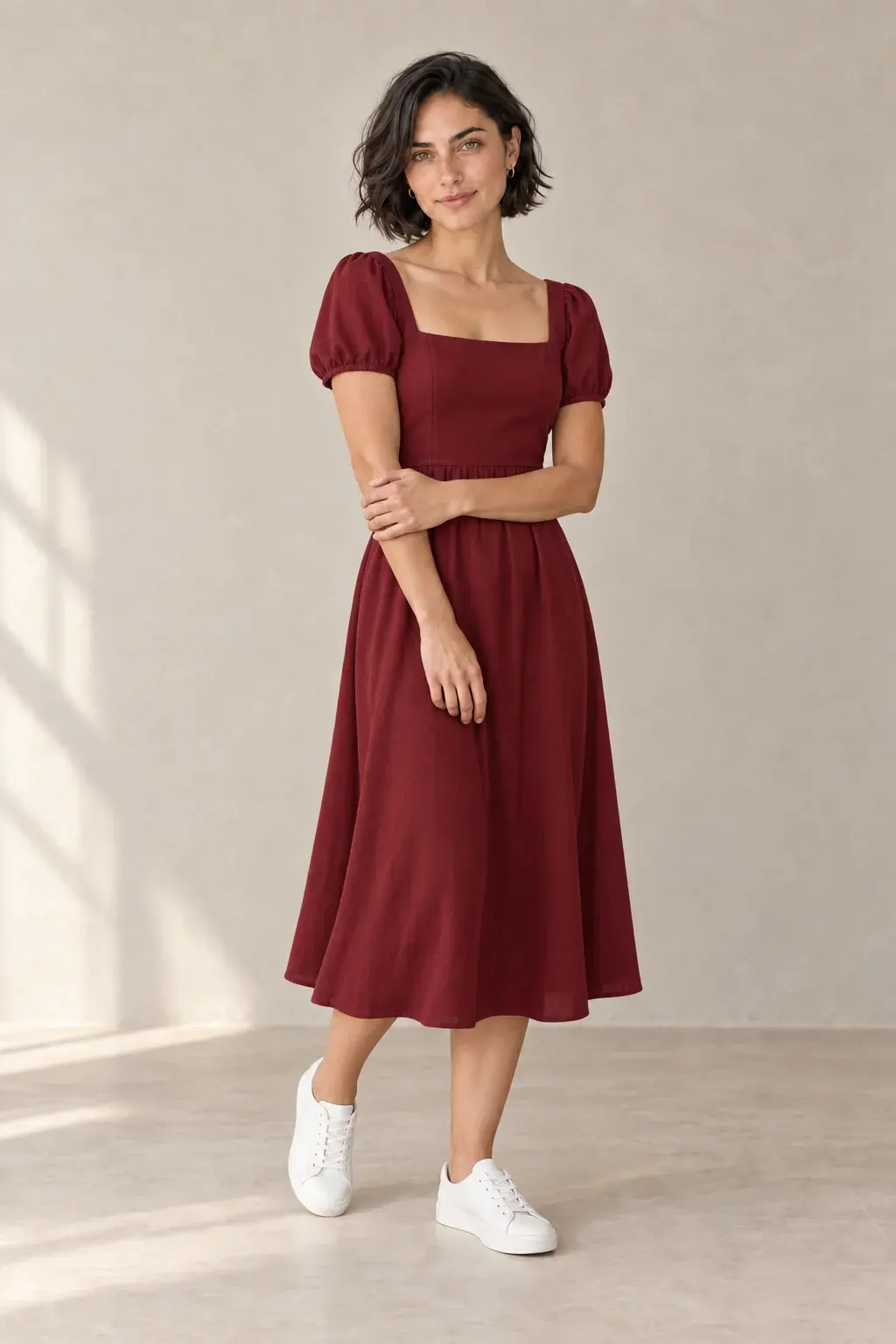
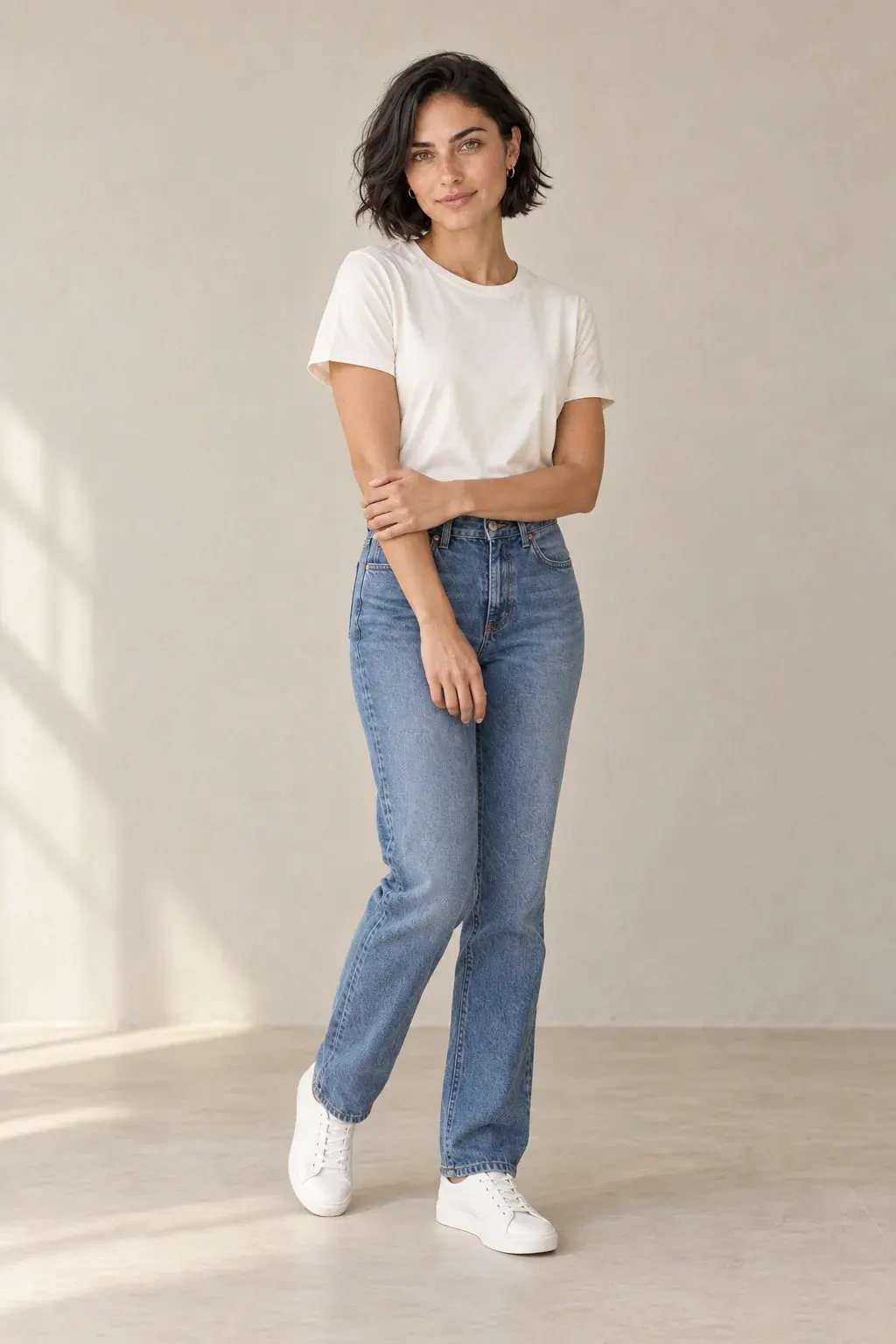
Mira demo · Created with Advanced (GPT Image 2.5)
Change clothes with a photo and a description
Upload one photo of a person and describe the new outfit. This tool uses text instructions; it has no separate clothing-reference upload or selection brush.
Start with a clear photo
Choose a photo where the clothing is visible. Check that hands, hair or objects do not hide the area you want to change.
Describe the change and what to keep
Name the garment, color and material. To change only the top, say so and ask to keep the trousers, face, pose and background.
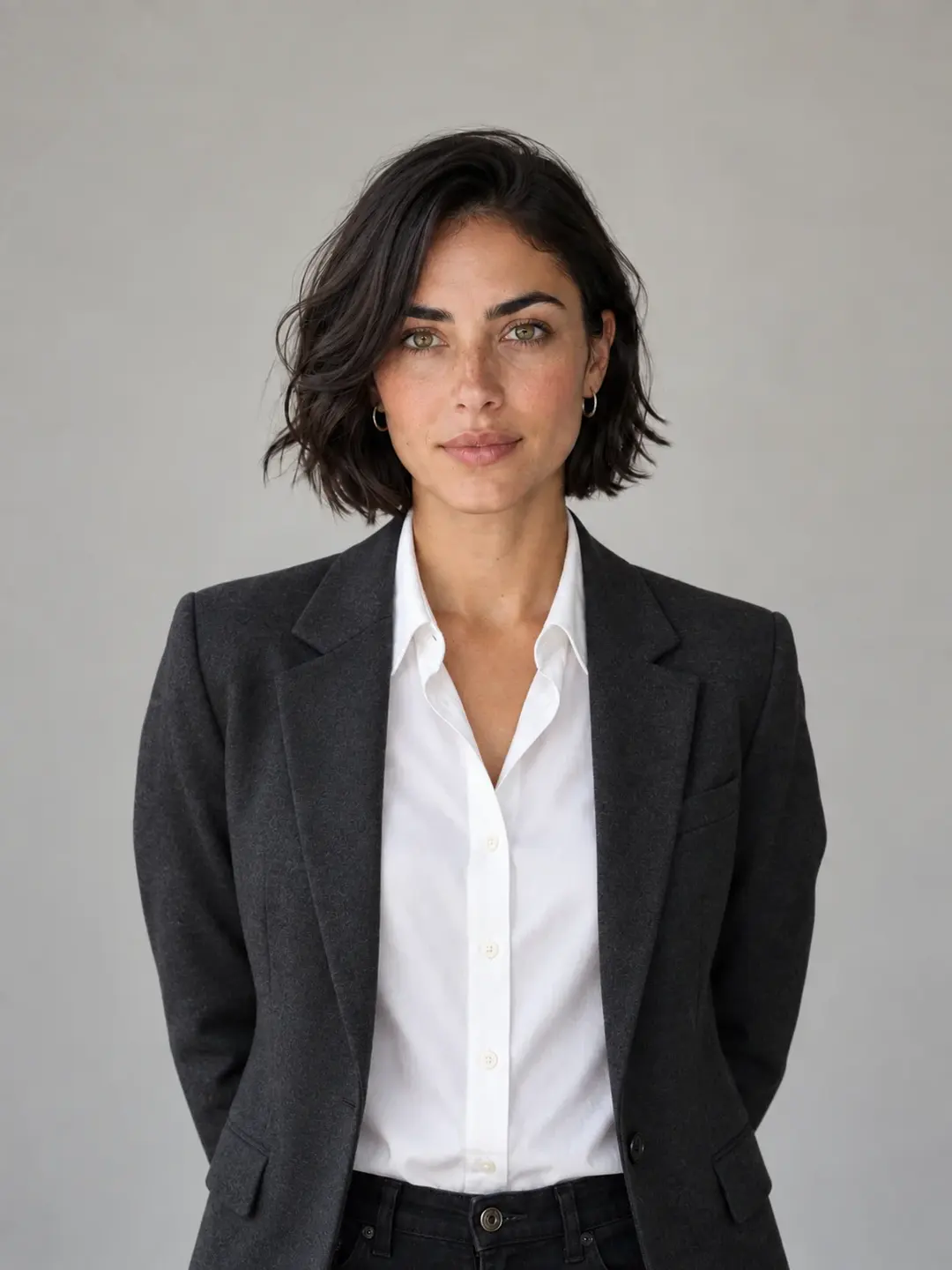
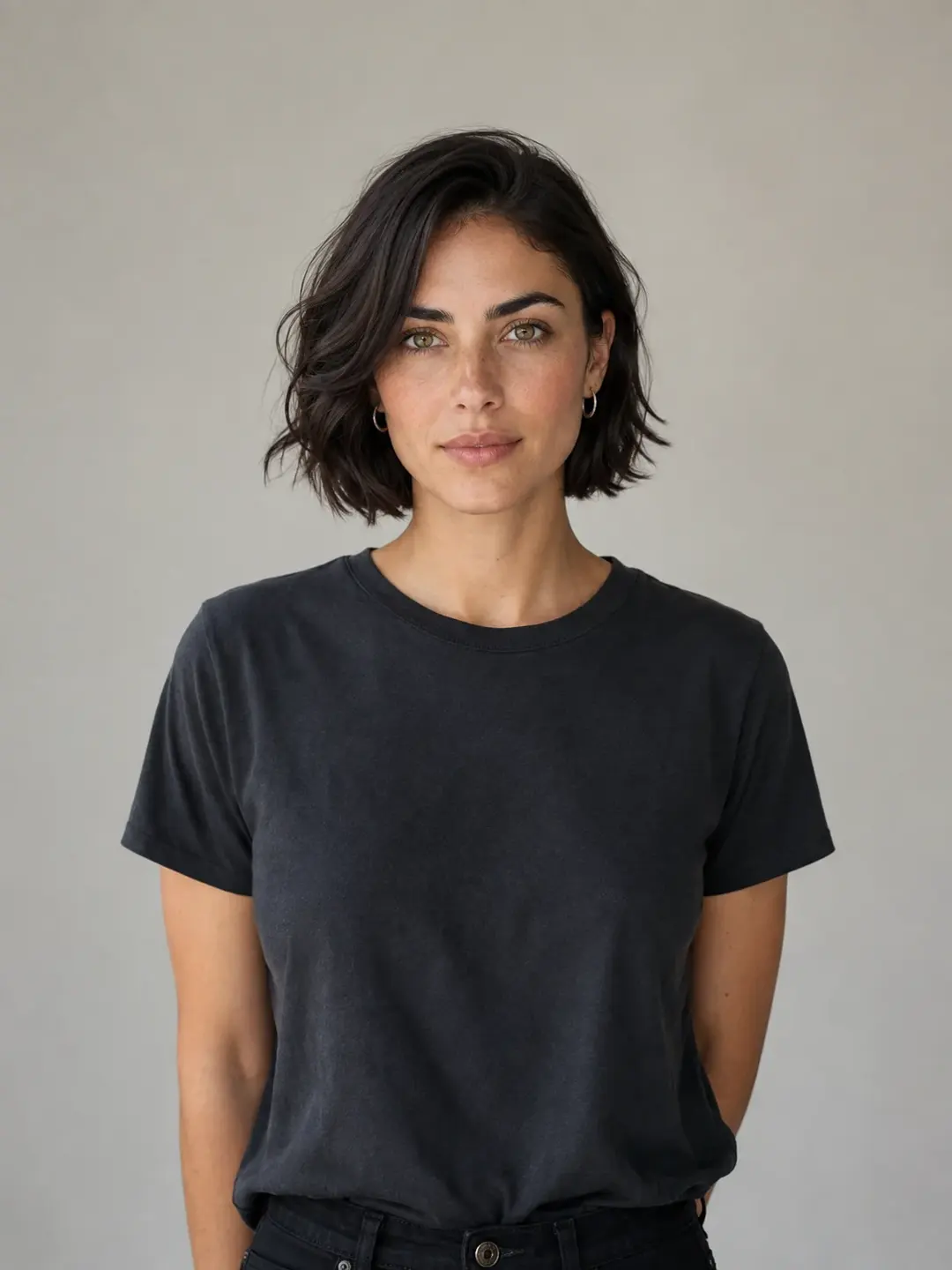
Outfit ideas you can describe
These are suggested prompts, not the recorded prompts for the demo images. Edit them for your photo; the buttons in the tool can fill them in.
Business outfit
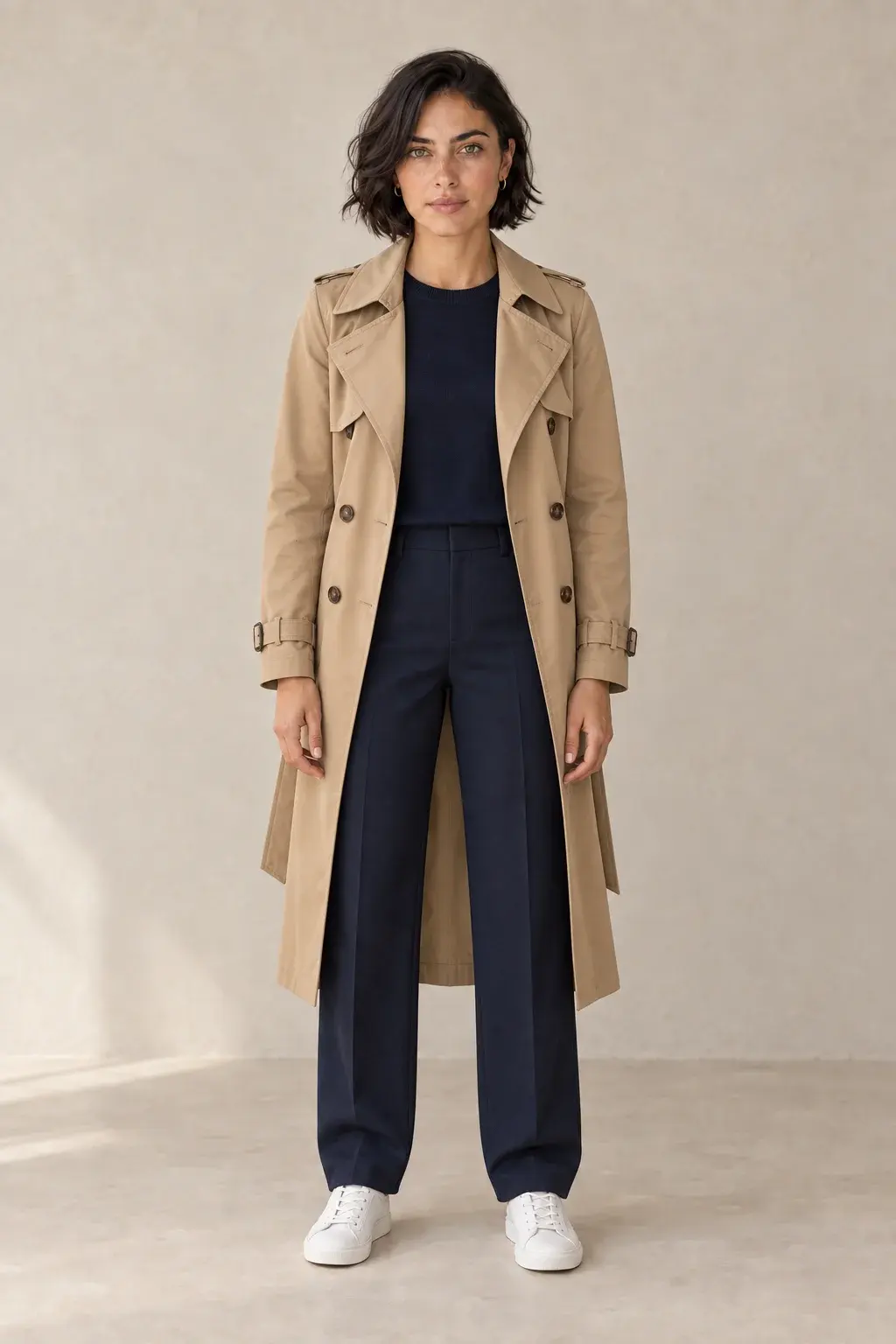
Replace the top with a charcoal blazer over a white shirt. Keep the same face, hairstyle, pose, trousers, background and lighting.
Casual look
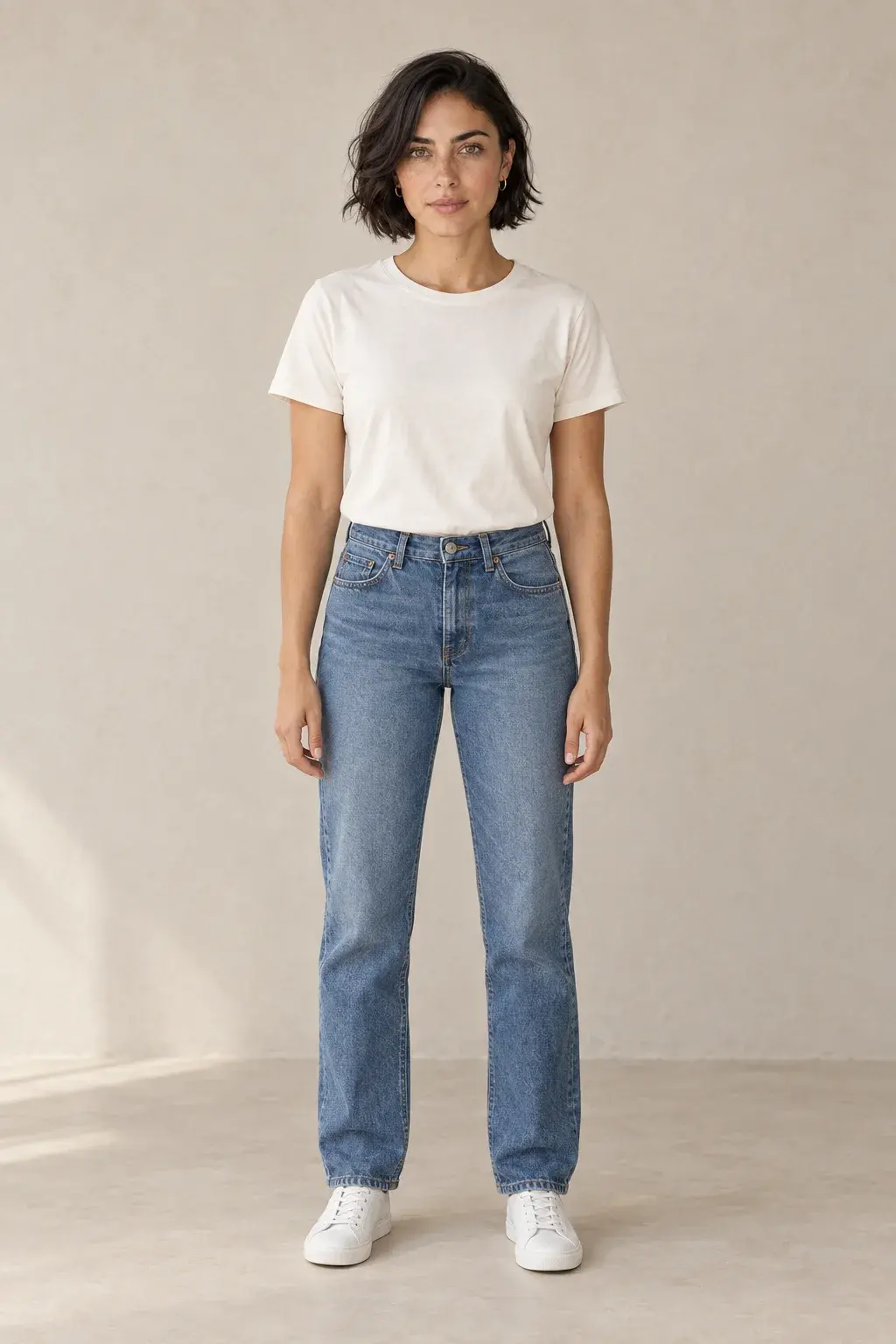
Change the outfit to a blue denim jacket over a white T-shirt and black trousers. Keep the same face, hairstyle, pose, background and lighting.
Change only the top
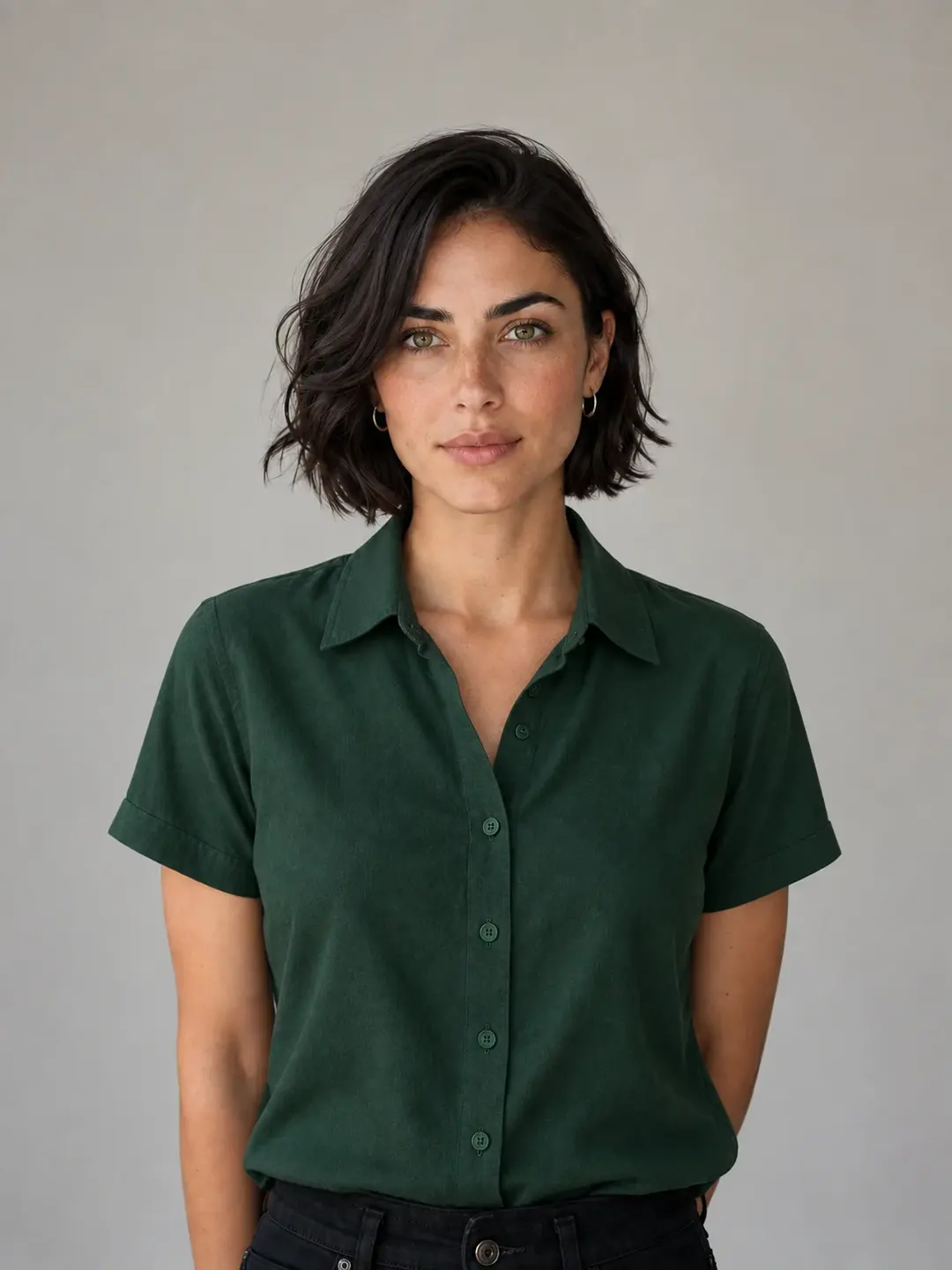
Replace only the top with a green cotton shirt. Keep the trousers, face, hairstyle, pose, background and lighting unchanged.
Check your outfit edit before using it
Compare the result with your original photo. Use these checks to decide whether to adjust the description or choose a clearer source photo.
- Face and pose: compare the face, hair, body shape and hands.
- Clothing: inspect sleeves, edges, folds, patterns and any text.
- Scene: check the background, shadows and lighting for unintended changes.
Get a New Outfit in 3 Simple Steps
Upload Your Photo
Drag and drop a photo (JPG, PNG, or WebP, up to 10MB) with a person into Pixfy's AI Clothes Changer.
Describe the New Outfit
In the text box, write a clear description of the clothes you want the AI to generate on the person.
Generate & Download
Our AI will generate the new look. Premium users can download the high-resolution result in PNG or WebP format.
Frequently Asked Questions
Get Answers to Common Questions About Pixfy's AI Clothes Changer
More AI Tools from Pixfy AI

AI Hairstyle Changer

AI Background Changer

AI Image Enhancer
HD photo converter

Ready to Redefine Your Wardrobe?
Step into the future of fashion and creativity. Start designing your perfect look with Pixfy's AI Clothes Changer now.