

Change your outfit in any photo with AI
Upload a photo of yourself, describe the clothes you want, and get a new look with the same face, pose and background.
Drag & drop a photo here, or click to select
Supports PNG, JPG, WEBP up to 10MB
3 credits
Clothed photos only. No nudity, sexual content or undressing.
AI Clothes Changer is available to paid users only. Each generation uses the credits shown.
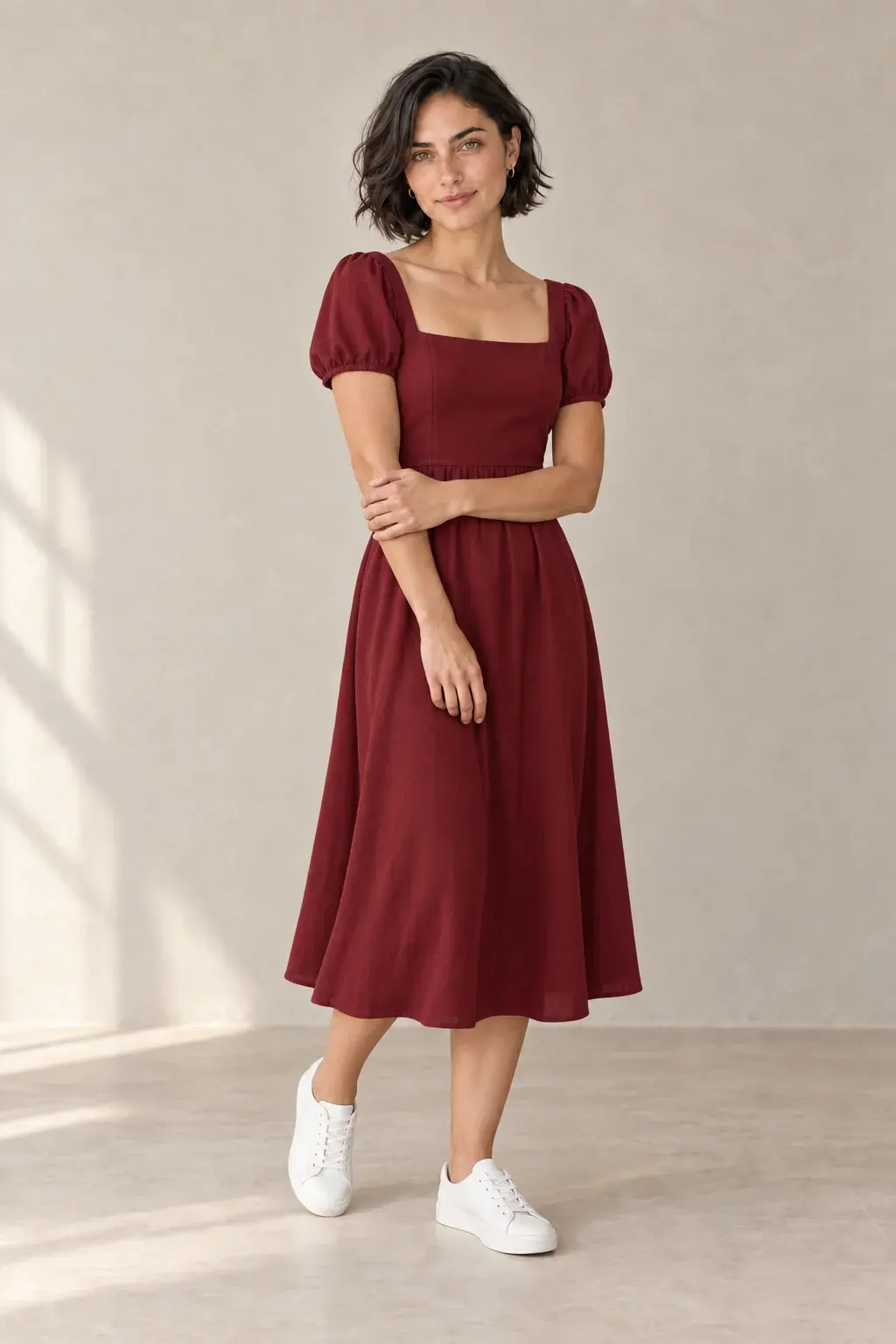
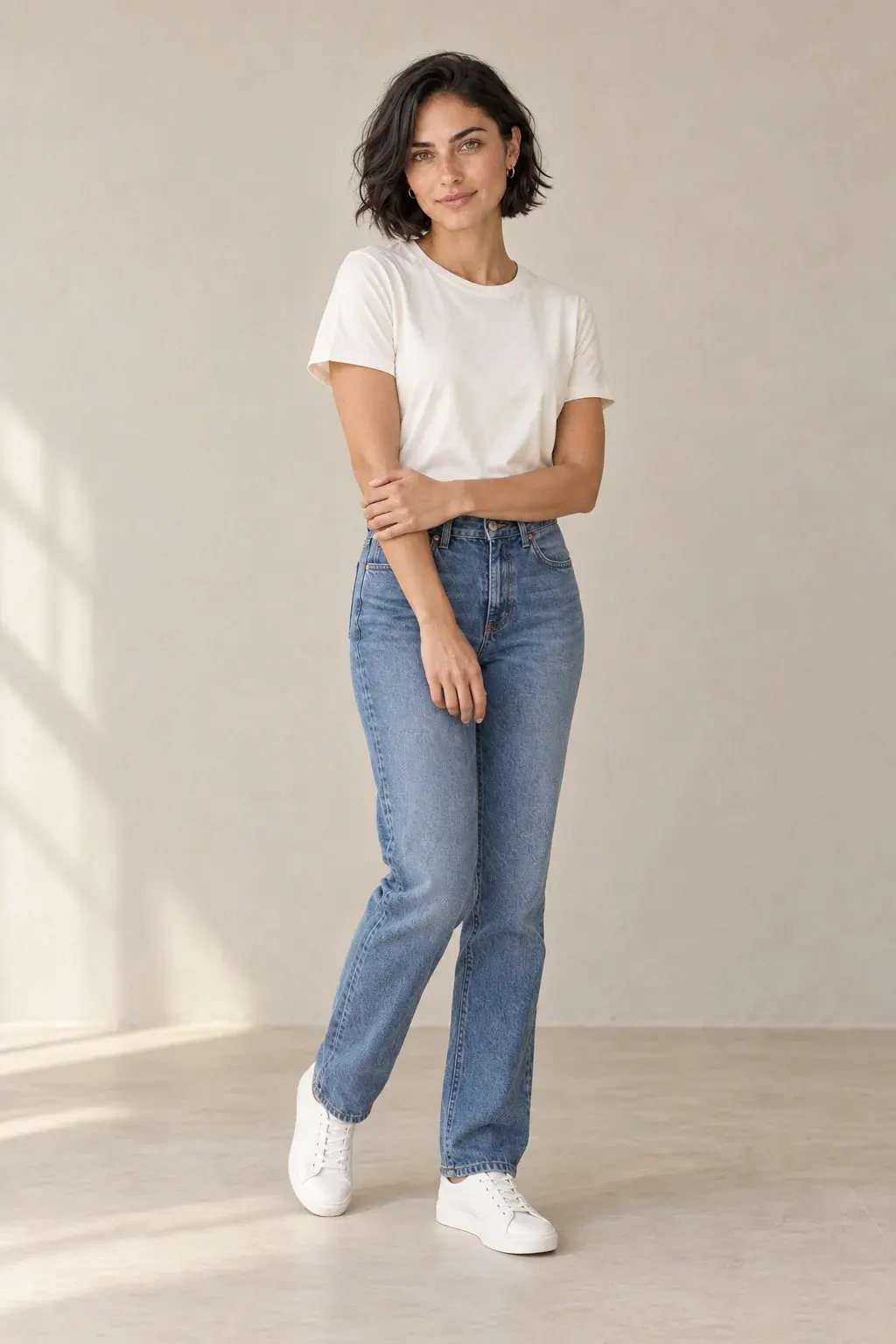
Mira demo · Created with Advanced (GPT Image 2.5)
More popular tools
How the clothes changer works
- 01
Upload a photo
Use a clear, well-lit photo of one person. JPG, PNG or WebP up to 10 MB.
- 02
Describe the outfit
Write what the person should wear, such as a navy linen suit with a white shirt. Mention color, fabric and fit.
- 03
Generate and download
Check the result, try another outfit if you like, and download the version you want to keep.
Clothes changer questions
See plans and pricingWhat kind of photo works best?
A sharp photo of one person in good light, with the clothes clearly visible. Full-body photos work best for complete outfits; half-body photos are fine for tops and jackets.
Is the AI clothes changer free?
Every account gets one free outfit change. After that, each generation uses the credits shown in the tool. You can buy a one-time credit pack with no subscription, or choose a plan on the pricing page.
What can and can't I change?
You can change clothing: tops, dresses, suits, jackets, seasonal and costume outfits. The tool does not remove clothing or create nude or sexual images; such requests are blocked by our content policy. Only edit photos you have the right to use.