

Remove Text from Images with AI
Effortlessly erase captions, watermarks, or any unwanted text from your photos. Our AI-powered tool preserves the image's natural look, delivering clean results in seconds.
Drag & drop an image here, or click to select
Supports PNG, JPG, WEBP up to 5MB
Be specific about the text you want remove
0/500

Upload your image and describe the text to remove for clean, professional results.
Powerful Features for remove text from images
Discover the technology that makes Pixfy AI the best choice for cleaning your images.
Seamless Text Removal
Erase text from images with AI precision, leaving no trace and preserving the background naturally.
High Accuracy
Accurately target specific text or remove all text, ensuring flawless results every time.
Instant Processing
Remove text in just a few seconds, delivering quick and professional results.
No Skills Needed
Simply upload your image and describe the text to remove—no technical expertise required.
Natural Background Reconstruction
Our AI intelligently reconstructs the background behind removed text for a polished, authentic look.

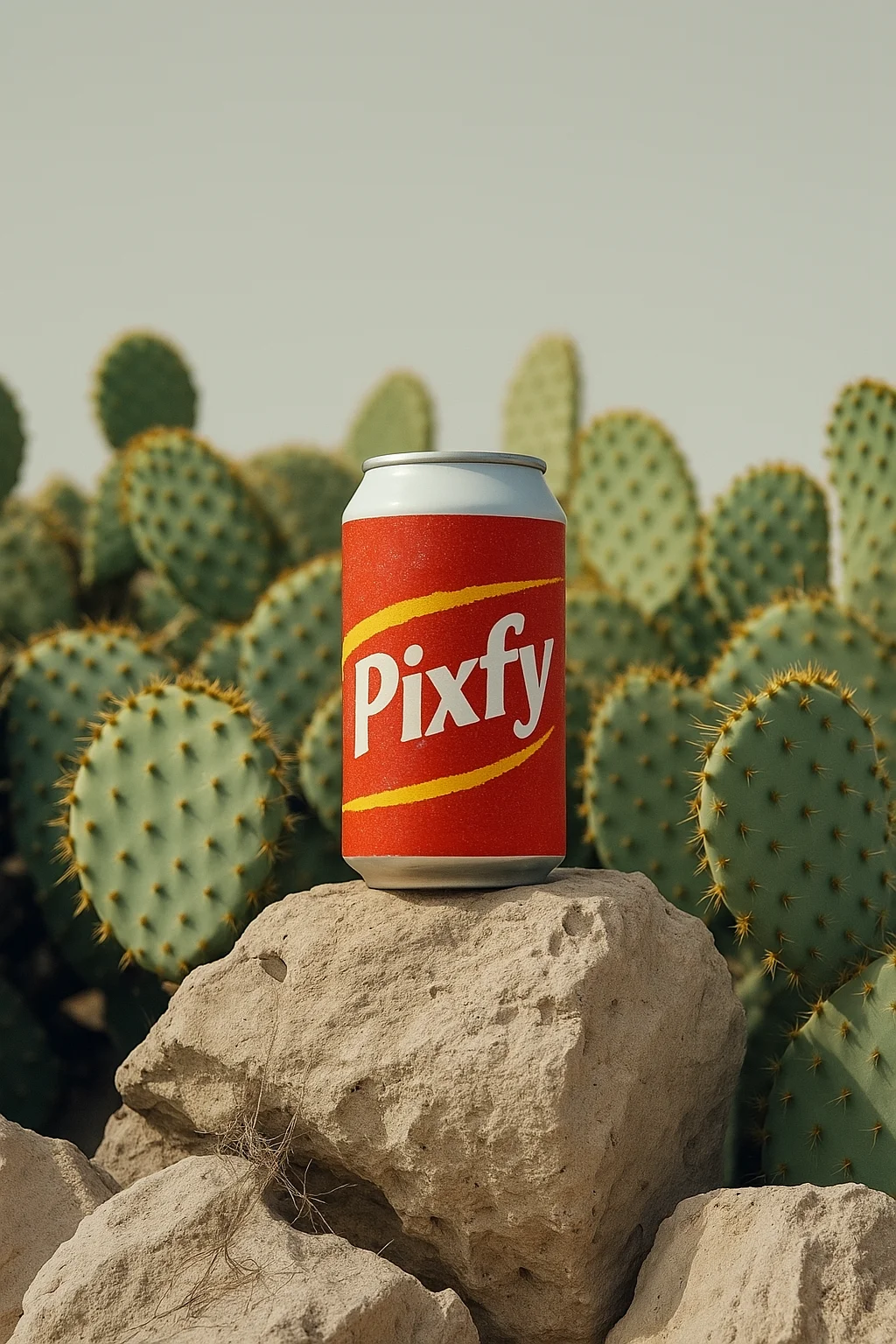


Remove text from images for every creator
Our text remover is perfect for anyone needing clean, text-free images.
Graphic Designers
Remove unwanted text from images to create clean designs for clients or projects.
E-commerce Sellers
Erase watermarks or text from product photos for professional, branded visuals.
Social Media Creators
Clean up images by removing captions or logos for stunning posts on Instagram or TikTok.
Content Creators
Remove distracting text from visuals for blogs, videos, or presentations.
Why You'll Love remove text from images
Transform Your Images with Ease and Precision
Incredibly Easy to Use
No complex tools—just upload, describe, and download your text-free image.
High-Quality Results
Our AI delivers professional-grade text removal with natural, seamless backgrounds.
Fast and Efficient
Remove text in seconds, saving you time for your creative projects.


Remove Text from Images in 3 Easy Steps
Upload Your Image
Drag and drop your photo (JPG, PNG, or WebP, up to 5MB) into our text remover.
Describe Text to Remove
Specify the text you want removed or choose to erase all text, and our AI handles the rest.
Download Your Image
Download your text-free, high-quality image for use in projects, social media, or prints.
Frequently Asked Questions
Get Answers to Common Questions About remove text from images
More AI Tools from Pixfy AI

Edit Text In Image

AI Object Remover

AI Image Enhancer

AI Background Remover
Ready to remove text from images?
Join thousands of users creating clean, text-free images with our text remover.