


Consistent AI Character Generator
Create new images.With the same character.
Create an AI character from a description or reference image. Save it and keep its identity consistent across new outfits, poses, and scenes.
Create my characterExplore the examples
Characters
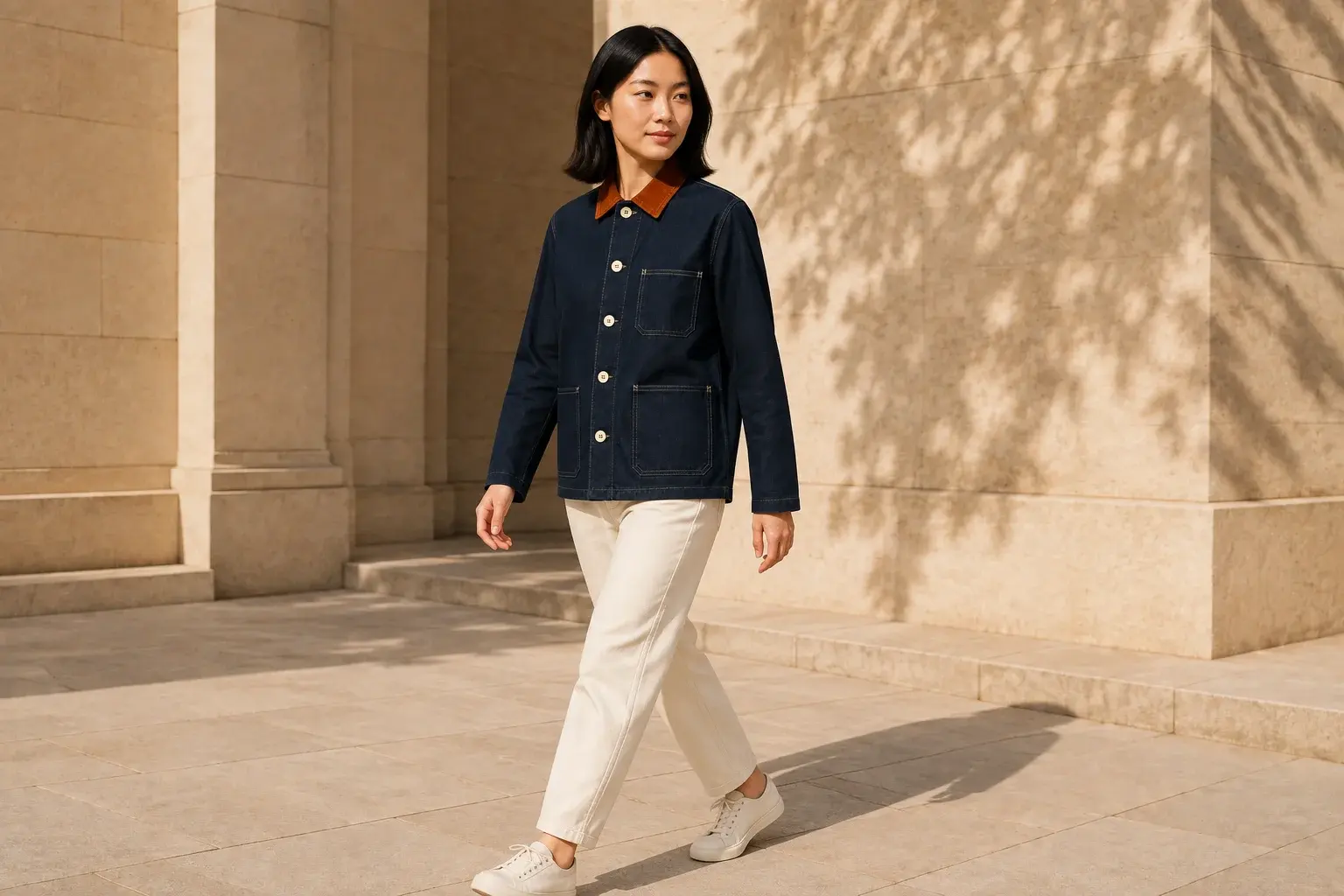
Mira on a Mediterranean ferry. Linen, sea breeze, golden-hour light.
Pixfy · Creative possibilities
One character. See what changes.
Compare the original reference with new looks and scenes. Explore products, fashion, and mascots, too.
Characters
Meet Mira: the same character in a new outfit, a seaside setting, and a story scene.
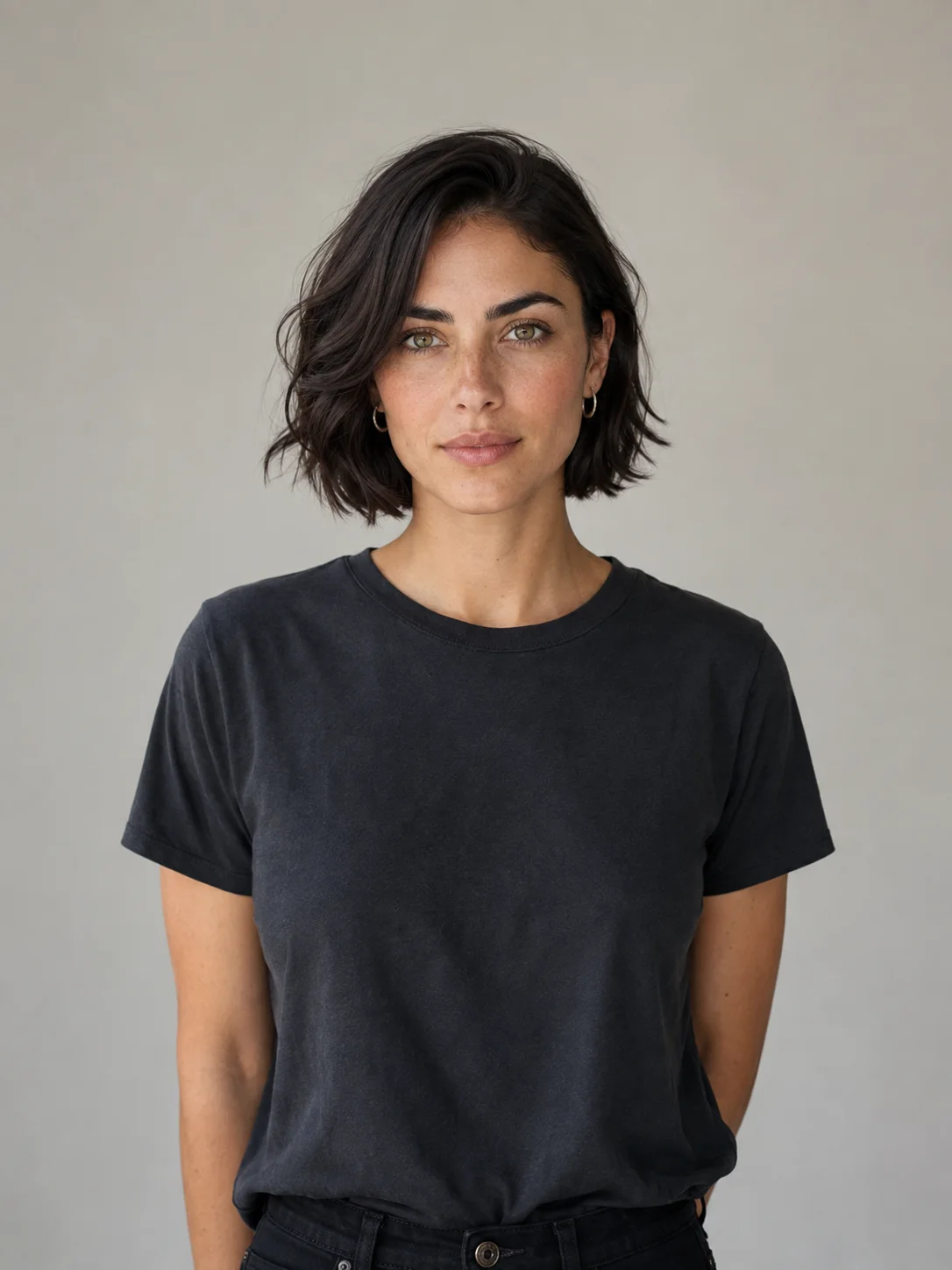
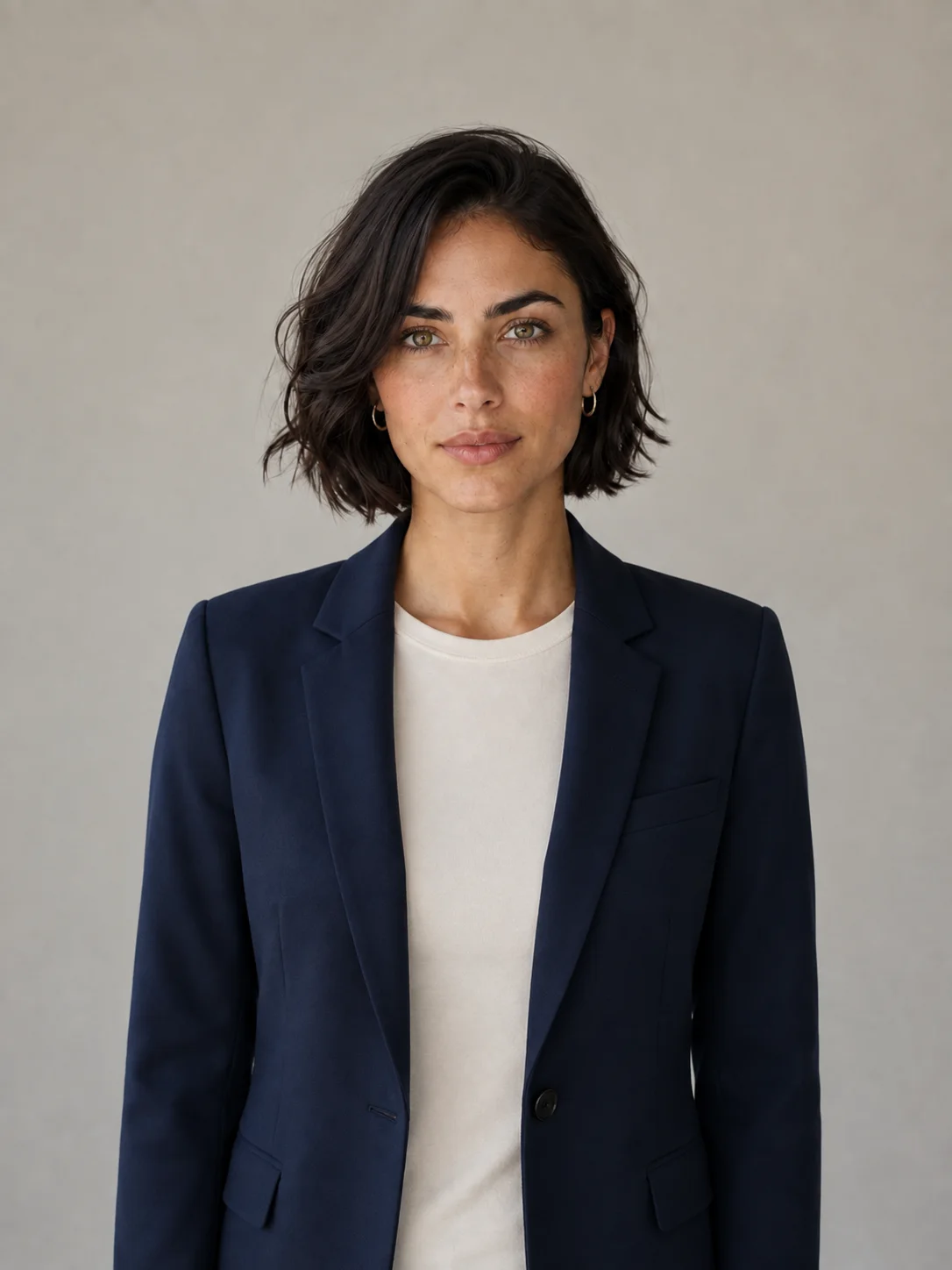
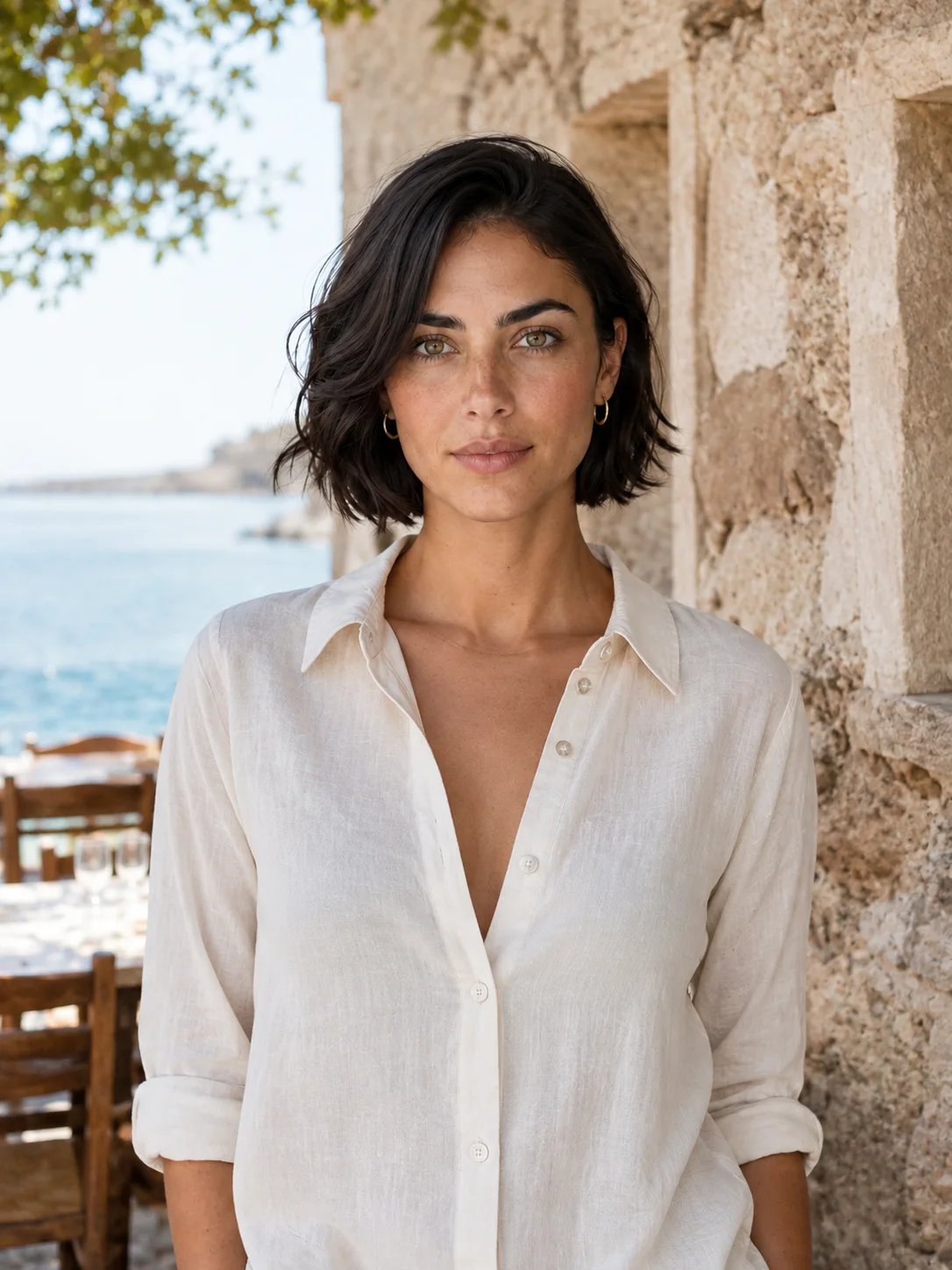
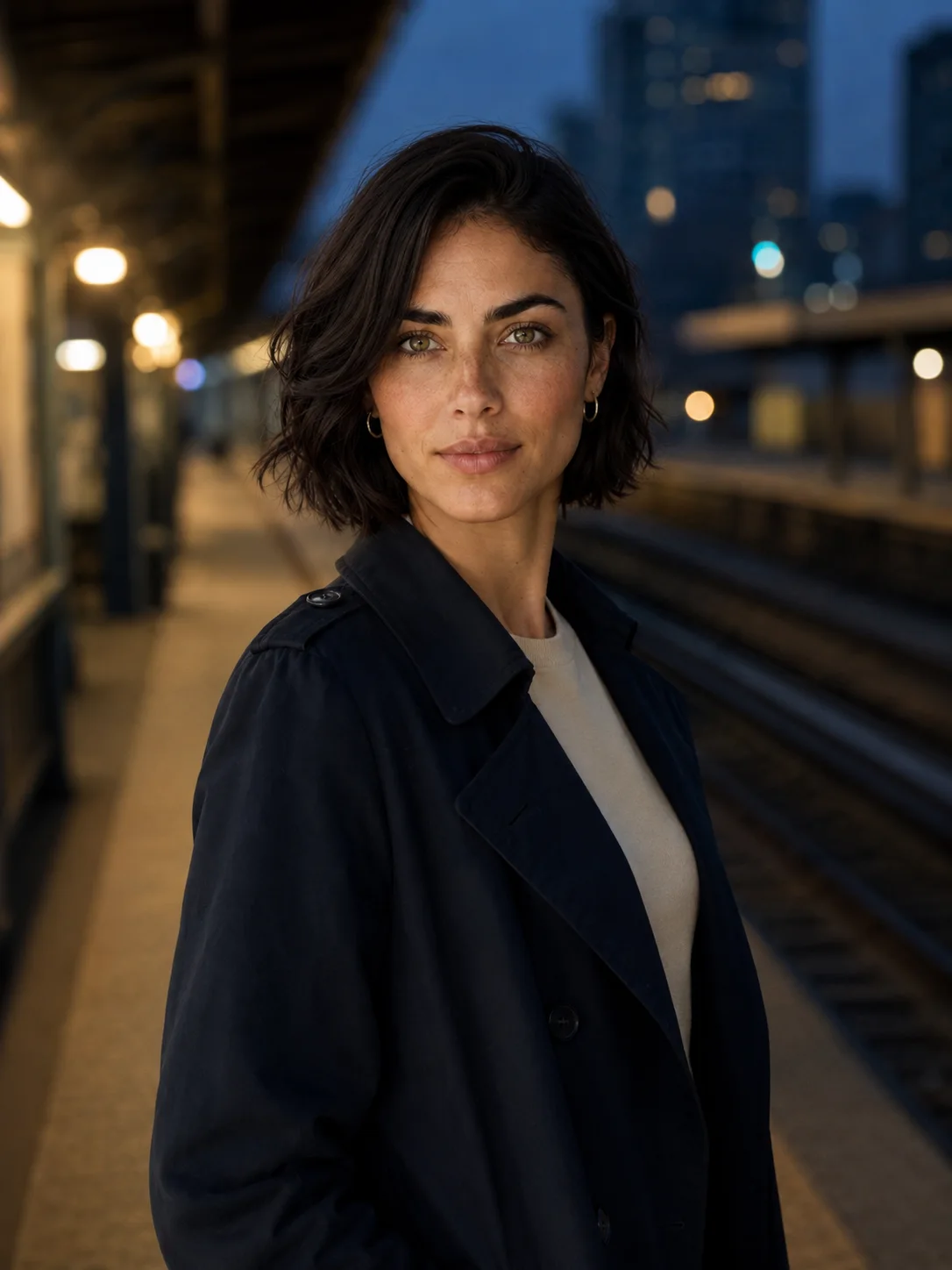
Pre-generated AI examples. Results vary with the reference and request.
New character
Create someone worth returning to.
Start with a reference image or a clear description. You can refine identity, style, and content over time.
Already have a character you like? Upload its image as your reference. Or describe a new character and confirm a generated reference before continuing.
A connected workflow
How to keep creating with the same character
From your first reference to the next image, in three steps.
Create or upload
Upload a character image, or describe a new character and confirm the reference you want to keep.
Describe the next image
Choose your saved character. Describe the outfit, pose, or scene you want to change.
Save and continue
Save your results in a collection. Return to the same character when you are ready for the next image.
A home for every character
Your character, ready for the next image.
Pixfy Studio keeps your saved reference and image collections together, so you can pick up a series again.
- Reuse the saved original reference
- Keep related images in collections
- Return to a character and continue

Mira
Identity anchor

01
Characters / 01

02
Characters / 02

03
Characters / 03
Consistent AI Character Generator
Questions about character consistency
Follow the character consistency guideCan I reuse a character from another AI tool?
Yes. Upload the character image as a reference, save it as a base model, and use it for new images in Studio.
How do I use the same character in different scenes?
Select your saved base model and describe the new scene. Pixfy includes its original reference to help preserve the character’s appearance.
Can I change clothes and poses?
Yes. Describe the changes in your request. Check each result: large changes can also affect the character’s appearance.
Do I need to upload the reference every time?
No. After saving your base model, select it again in Studio. Pixfy reuses the saved reference for new images with that subject.
What if the character looks different?
Compare the result with your original reference. Try a clearer reference or a simpler change. Consistency is not guaranteed; each new generation uses the credits shown before submission.
More creative tools
Pixfy Character Studio
Give your next idea a lasting identity.
Create the character once. Come back with the next scene tomorrow.
Create my character