

One reference. More ways to show it.
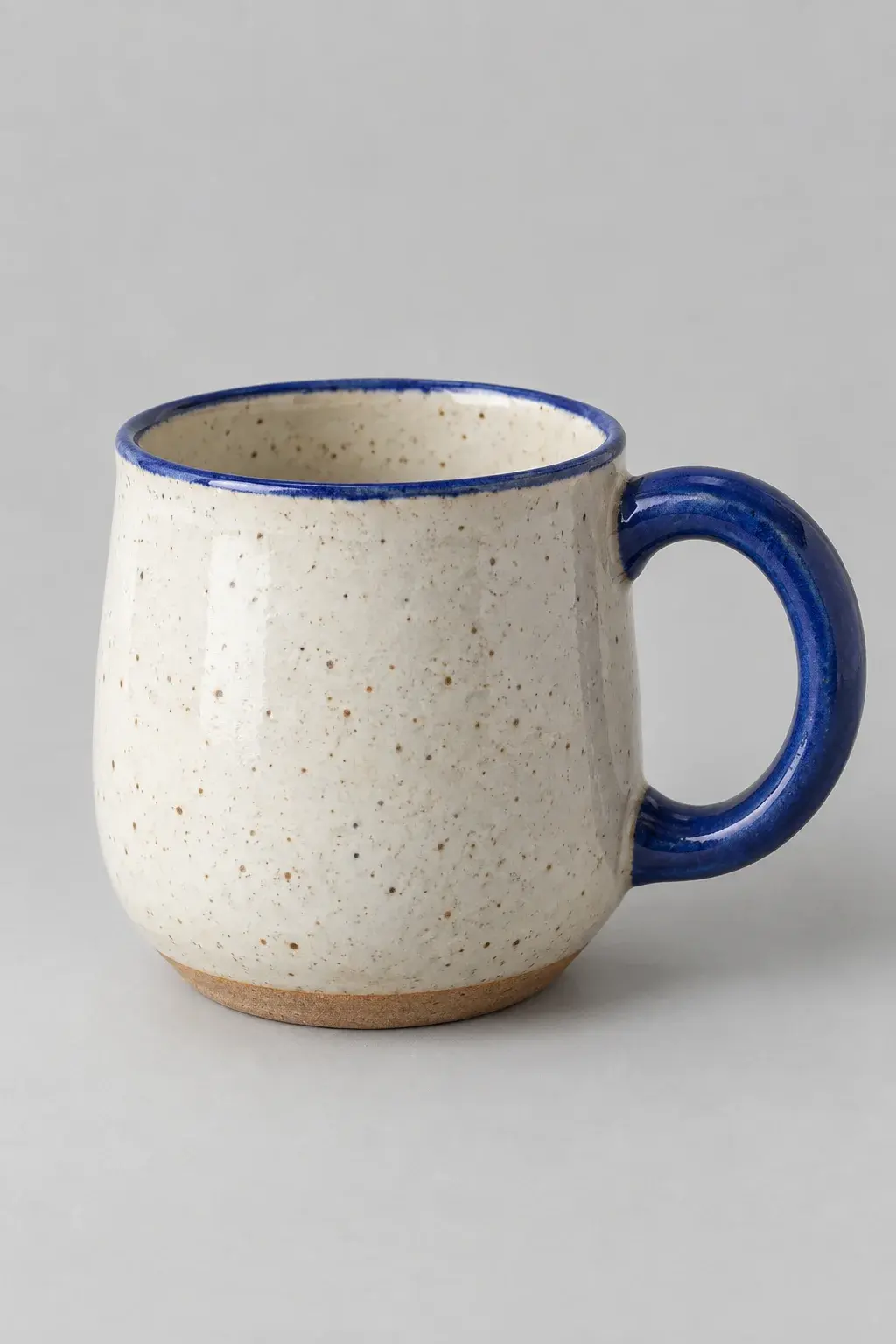
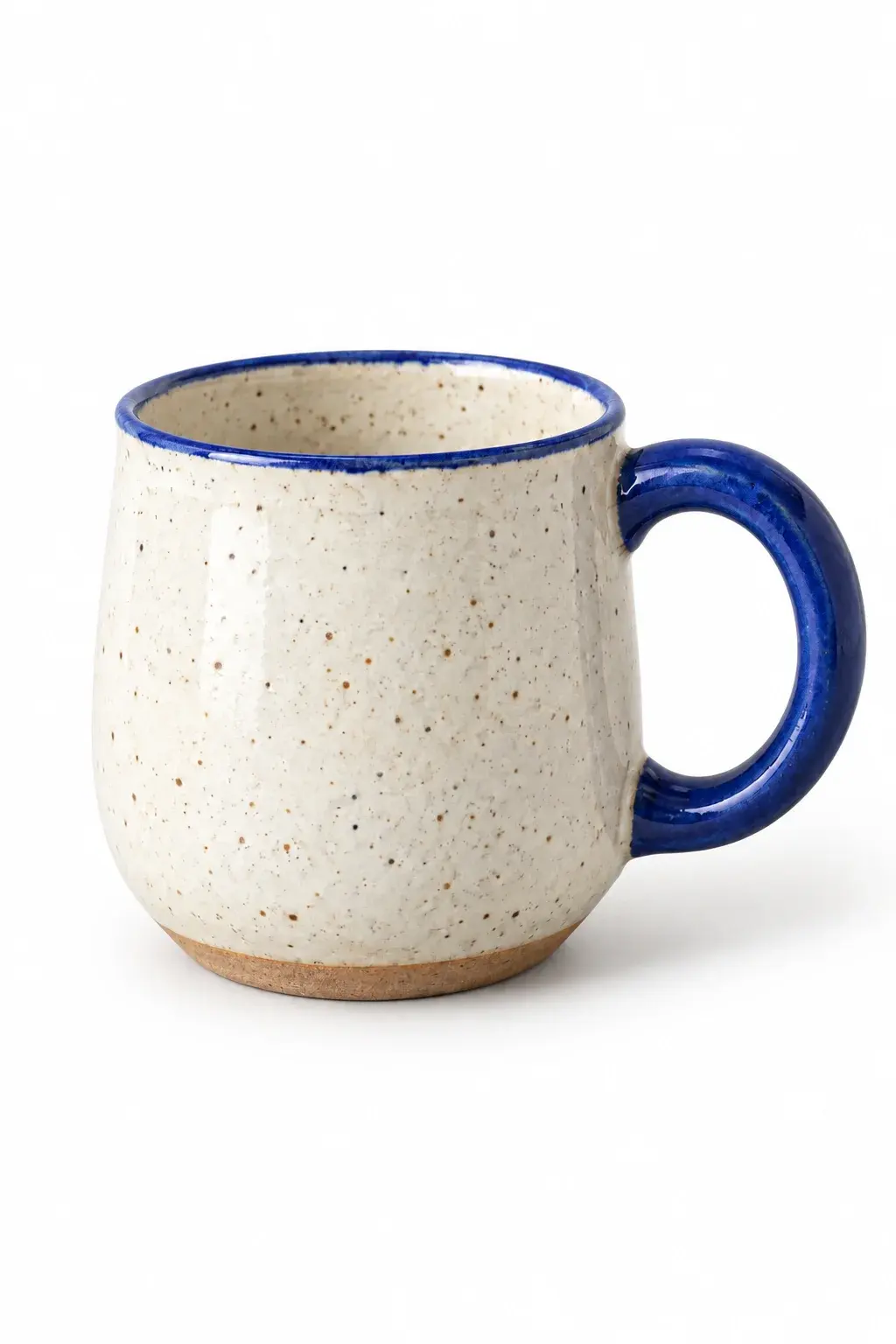
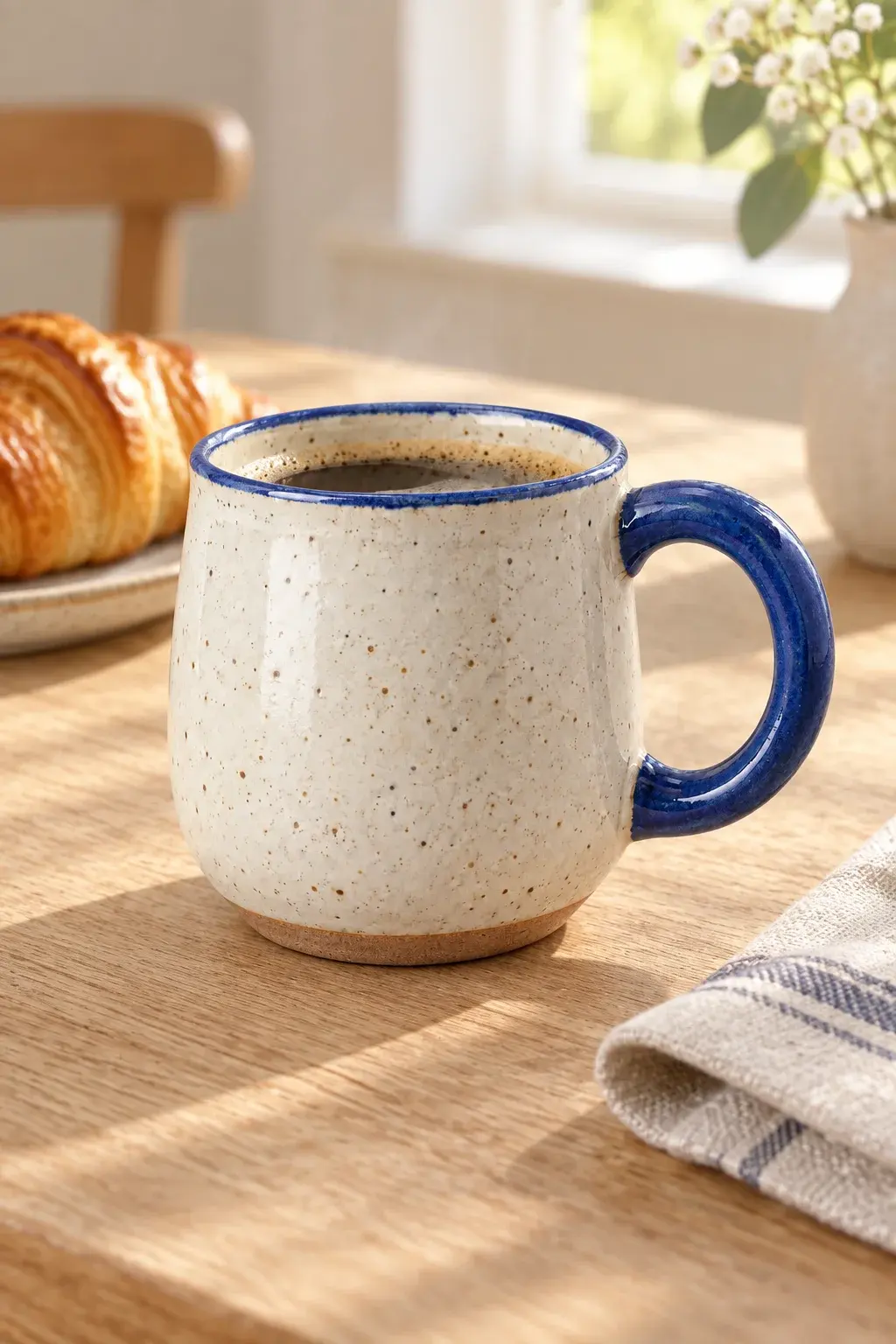
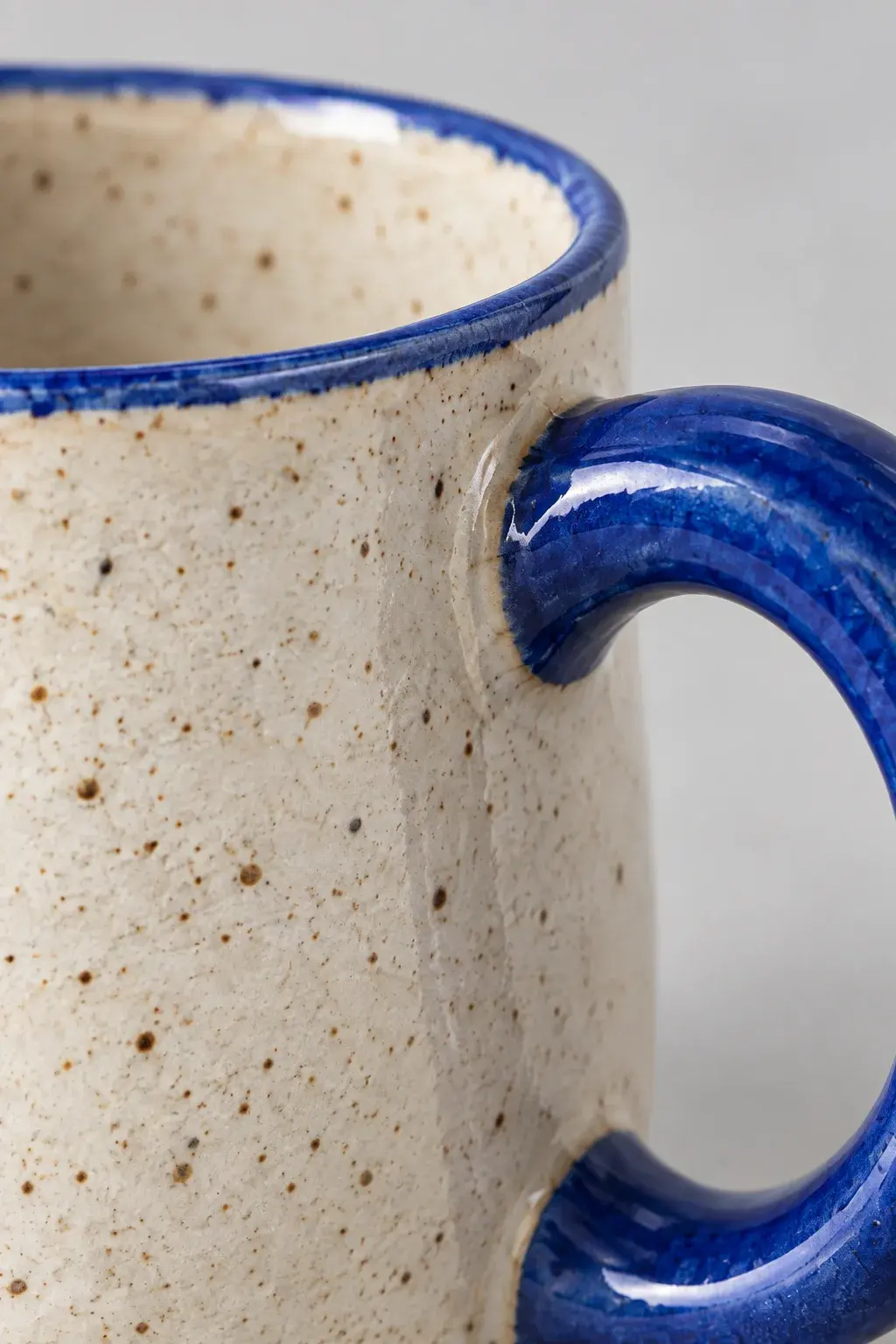
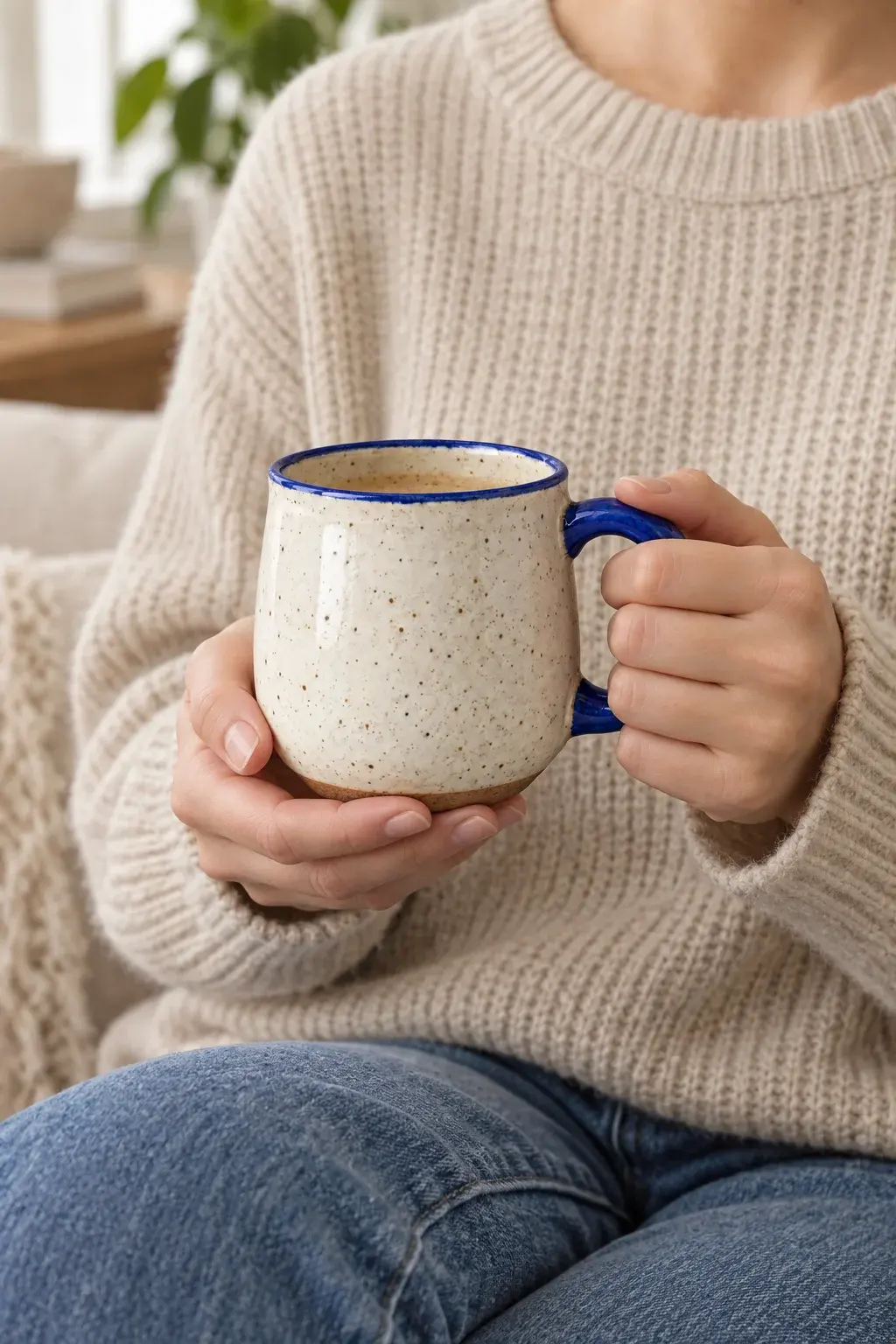
Existing demo images illustrate creative directions, not verified template results.
Images for every part of your shop
Product photos
Show your product clearly with clean listing images, detail views, and everyday settings.
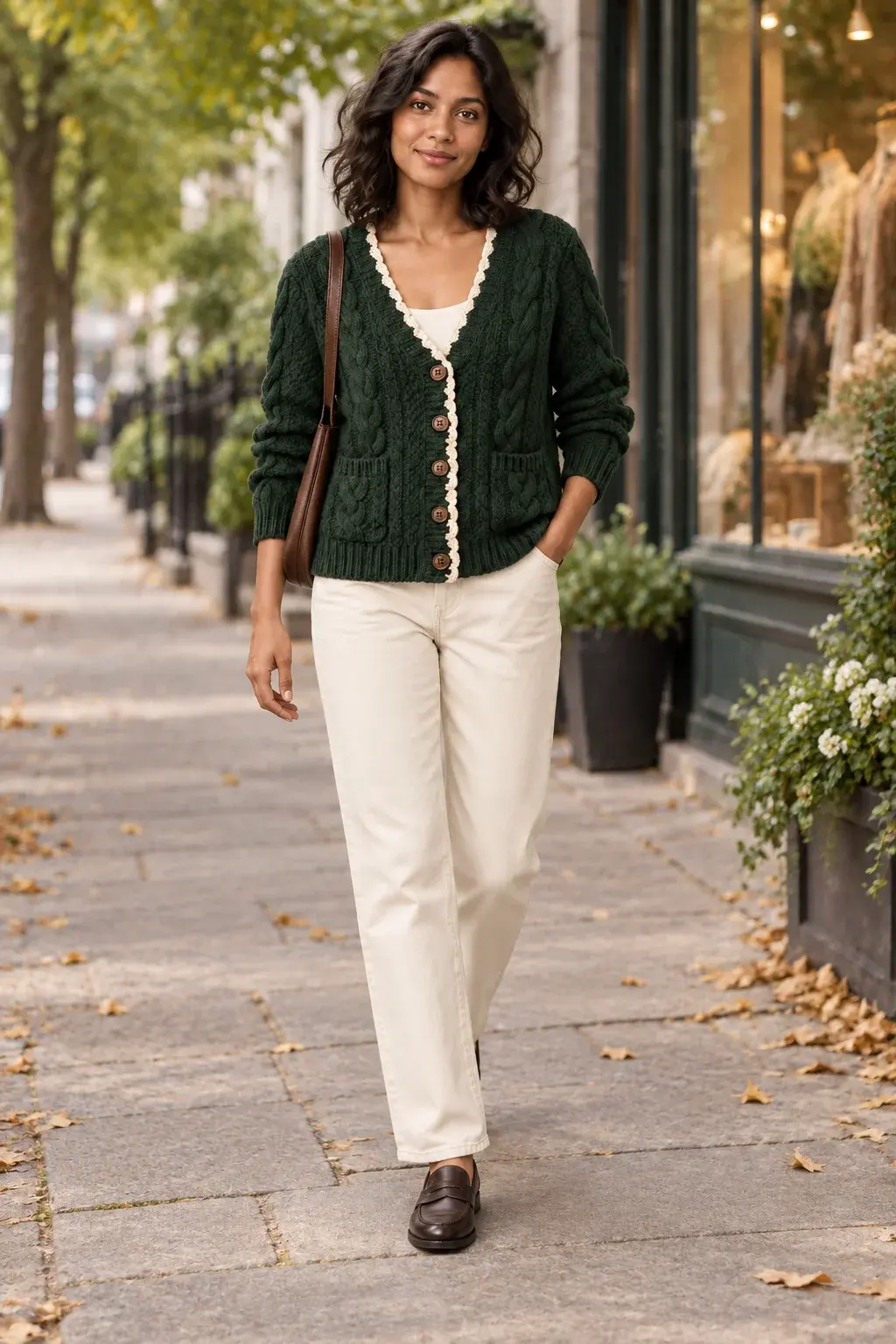
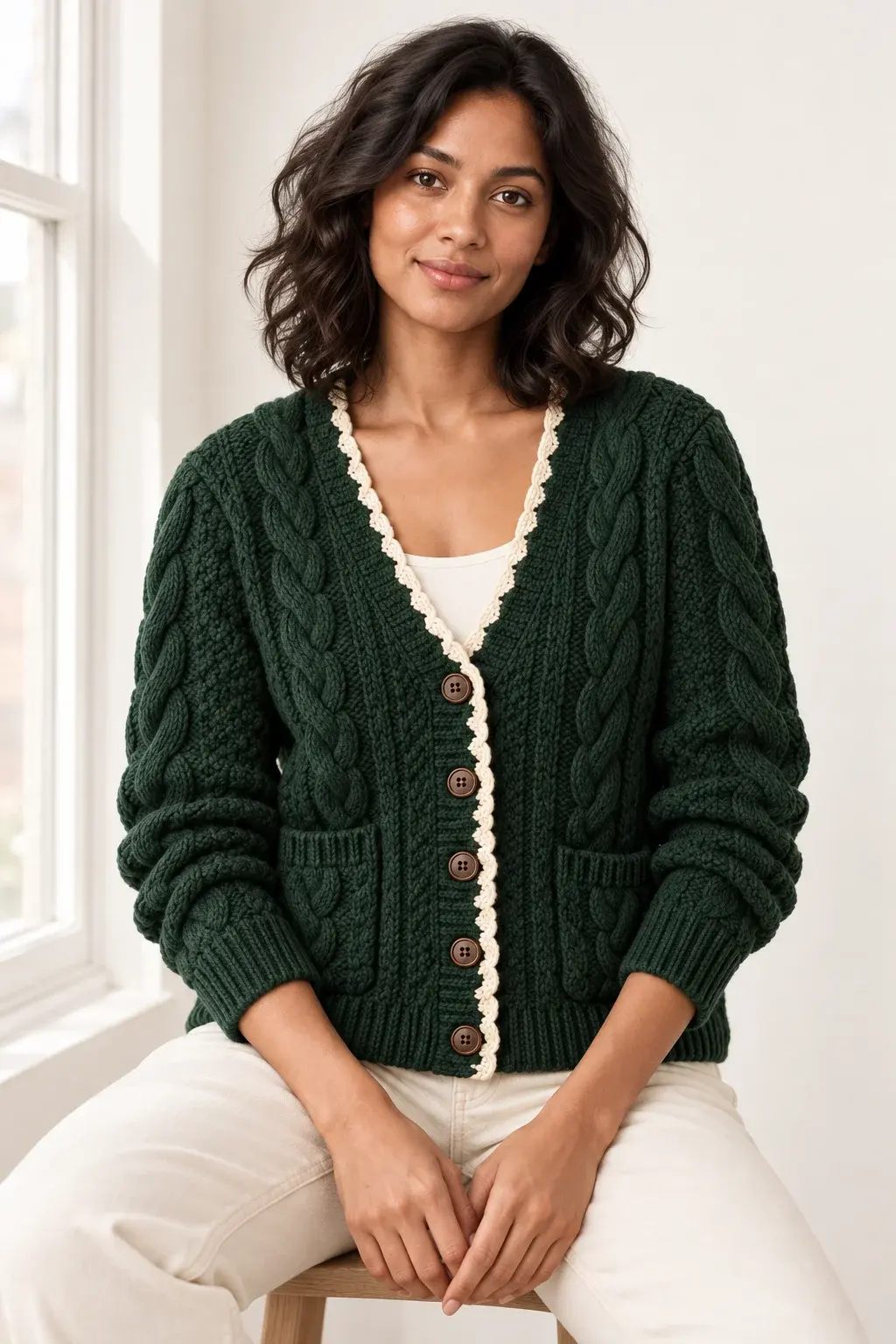
On-model
Show how a garment looks on a model, from studio styling to street scenes.
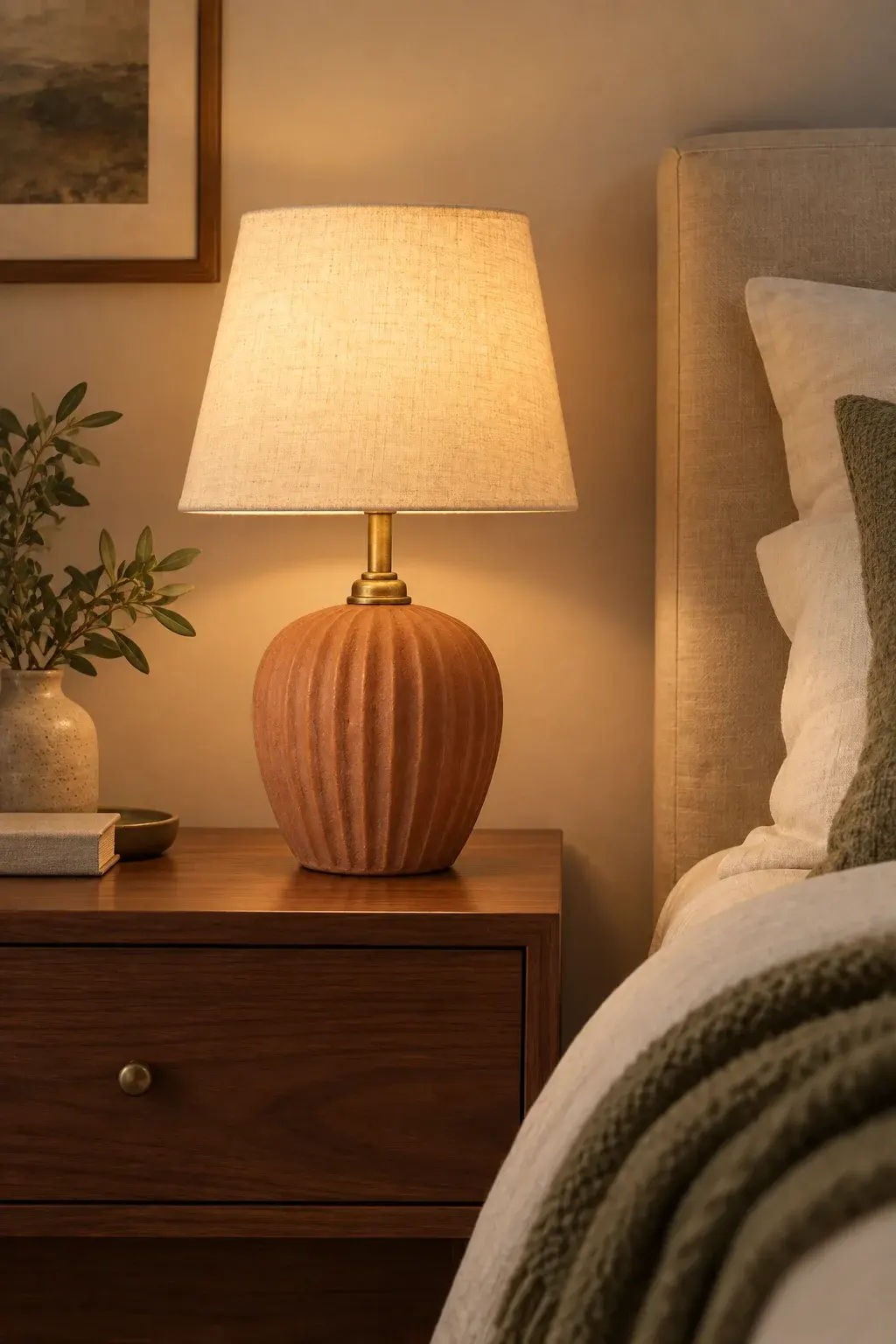
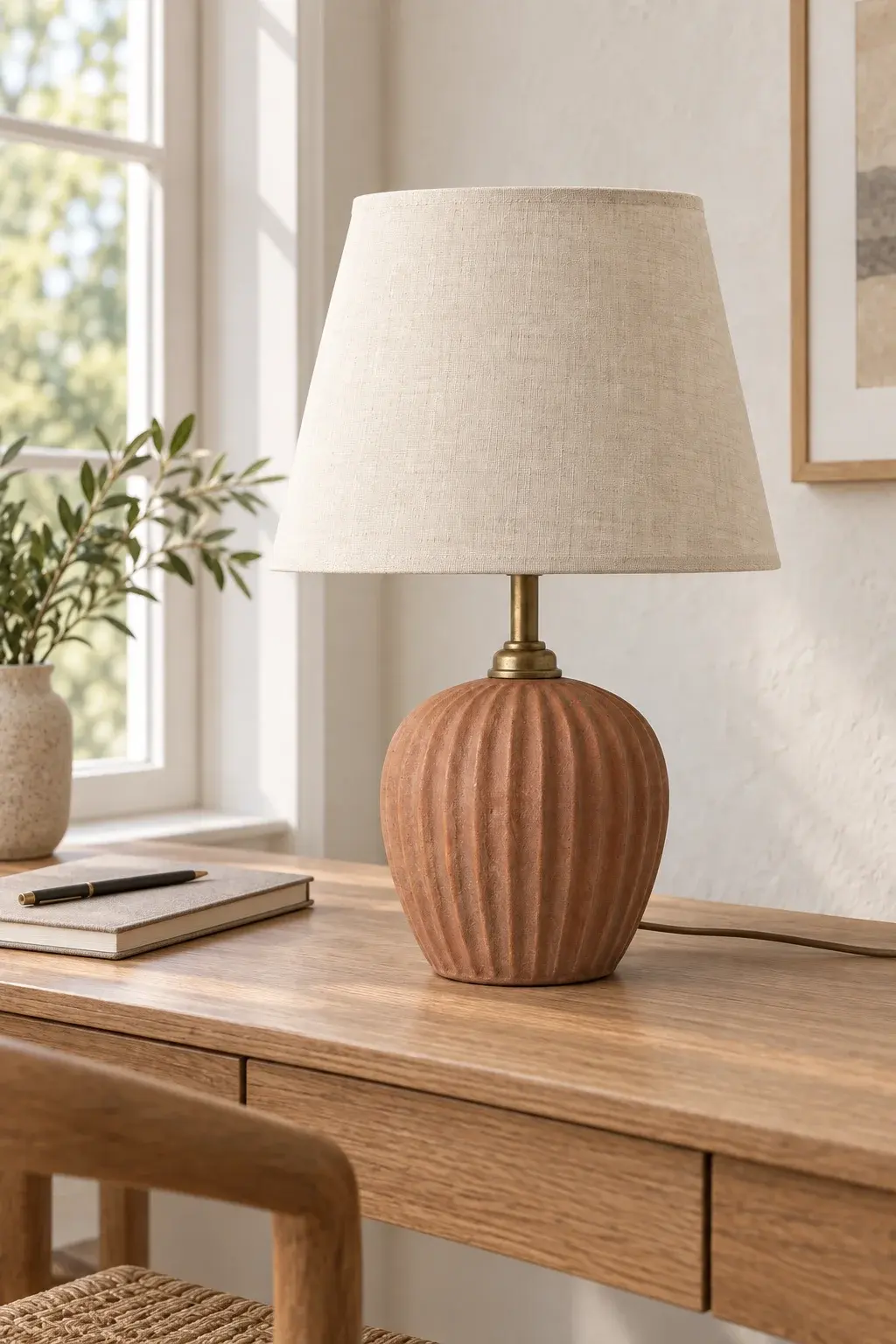
Home decor
Place furniture and decor in interiors that help customers picture them at home.
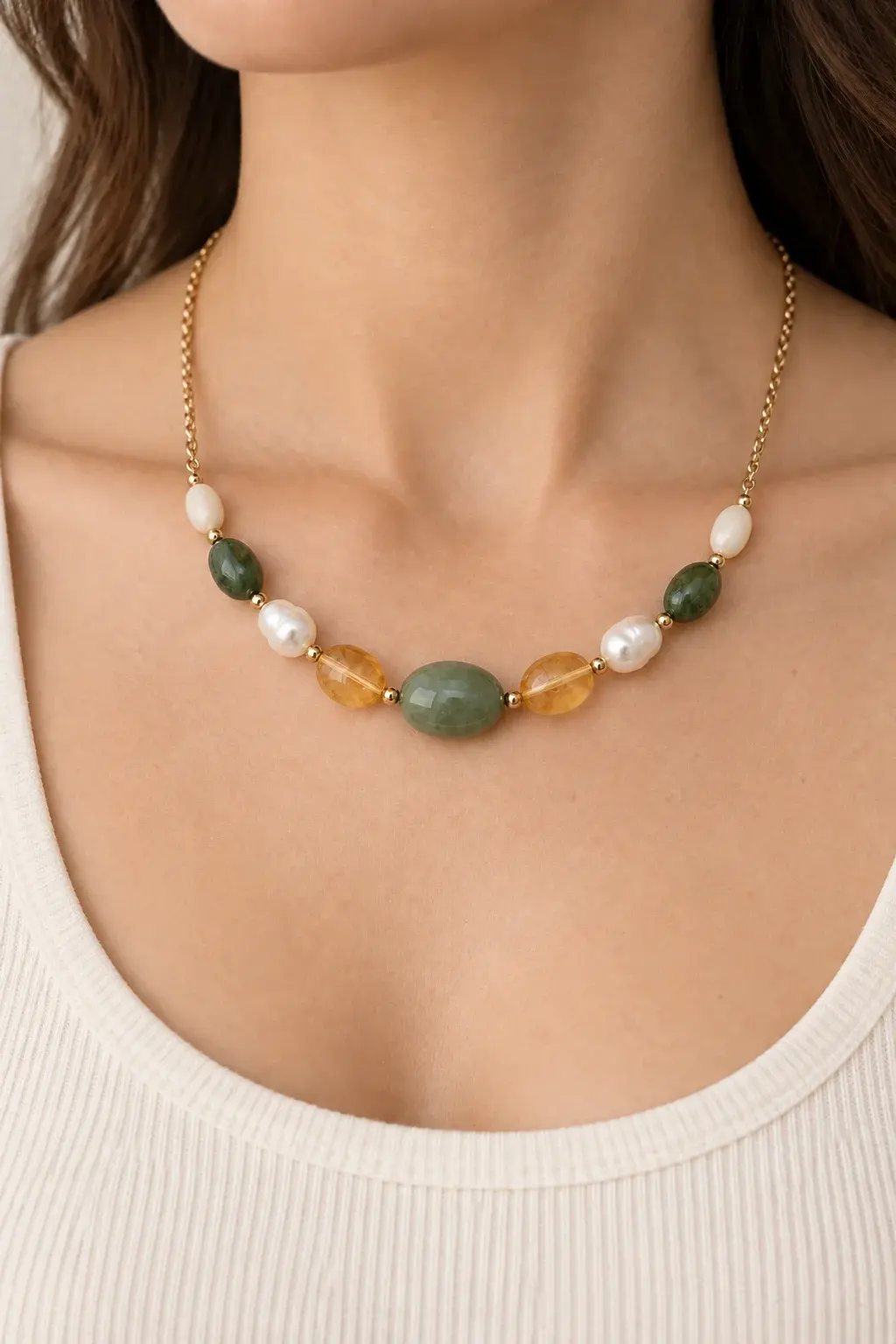
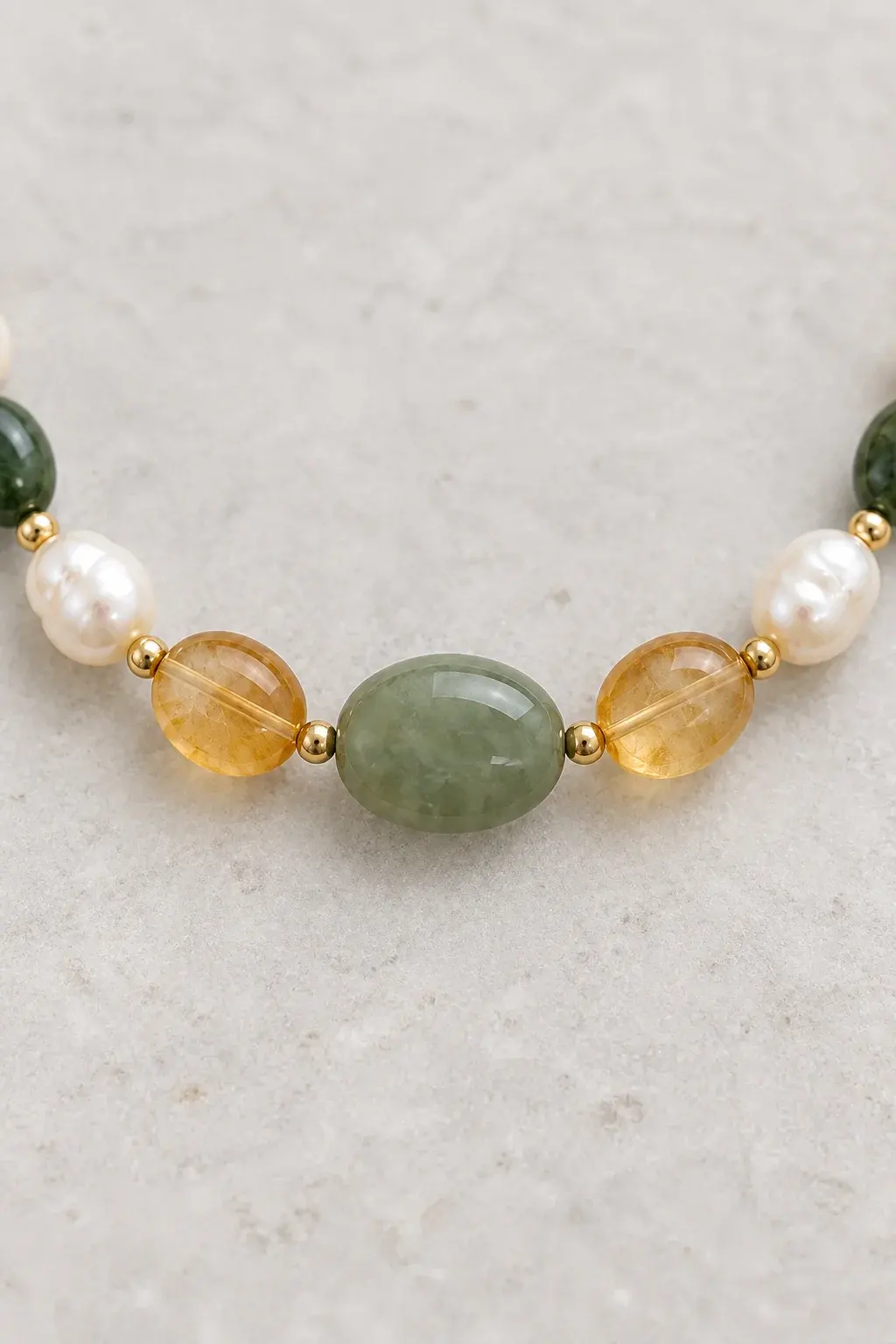
Jewelry
Bring out jewelry details with close-ups, styled compositions, and on-body imagery.
Keep creating from your reference
Start with your product photo, select a generated image to edit, and describe the next change. Return to your project to continue working.
New creationFrom product photo to your next image
Upload your product
Start with a clear reference photo of your product.
Choose a direction
Use a template or describe the setting, lighting, and composition.
Generate and refine
Create an image, then describe the changes you want to make.
Before you start
Explore pricingWhat should I upload?
Use a clear photo with the product fully visible. For a specific model, include a suitable model reference.
What does a template do?
A template supplies a starting prompt and example scenes. Add your own reference and adjust the request. It does not automatically generate all the example images.
Will every product detail stay exact?
AI can change fine details, lettering, or proportions. Check each result against your product before publishing it in your shop.