

AI photo editor: describe the change, keep the rest
Pixfy is an AI photo editor: upload a photo, describe one change in plain words, and it edits that part while keeping faces and the rest intact.
Drag & drop a photo here, or click to select
Supports PNG, JPG, WEBP up to 10MB
Name what to change and what to keep
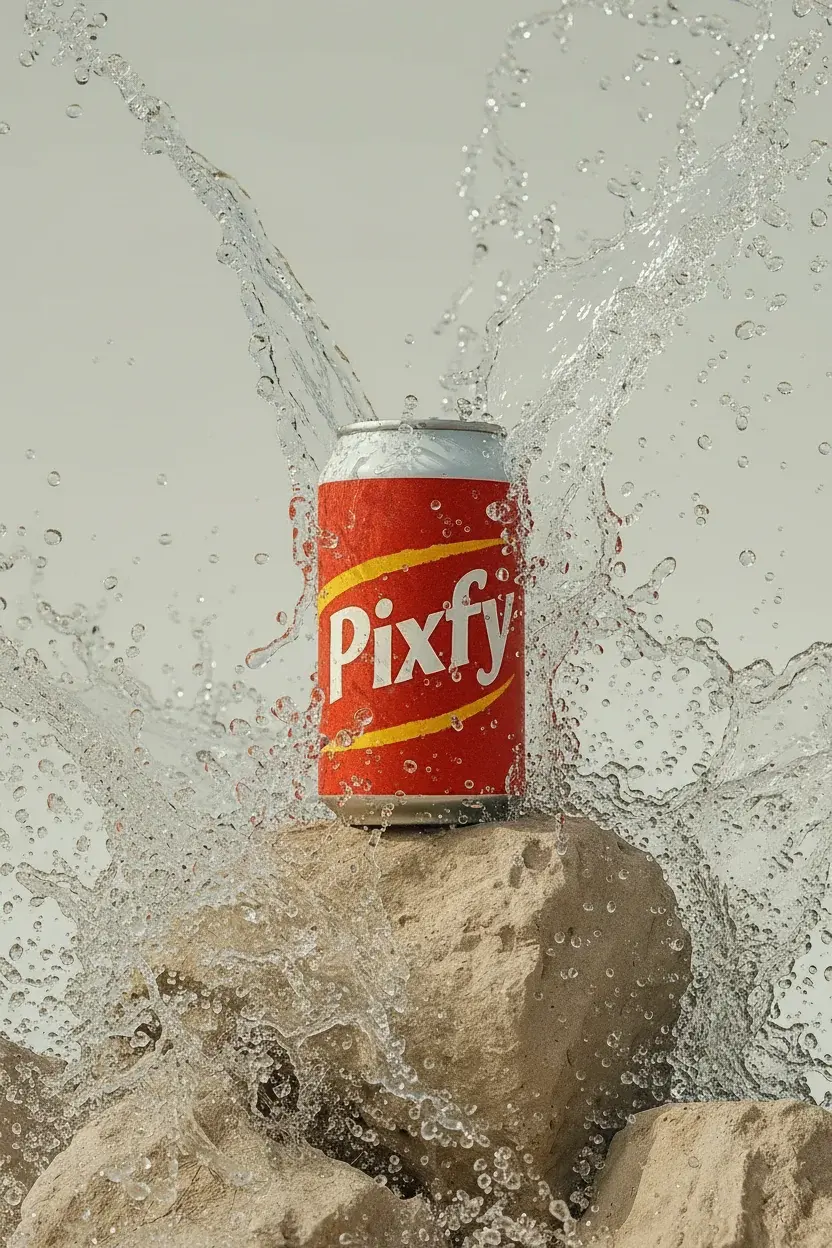
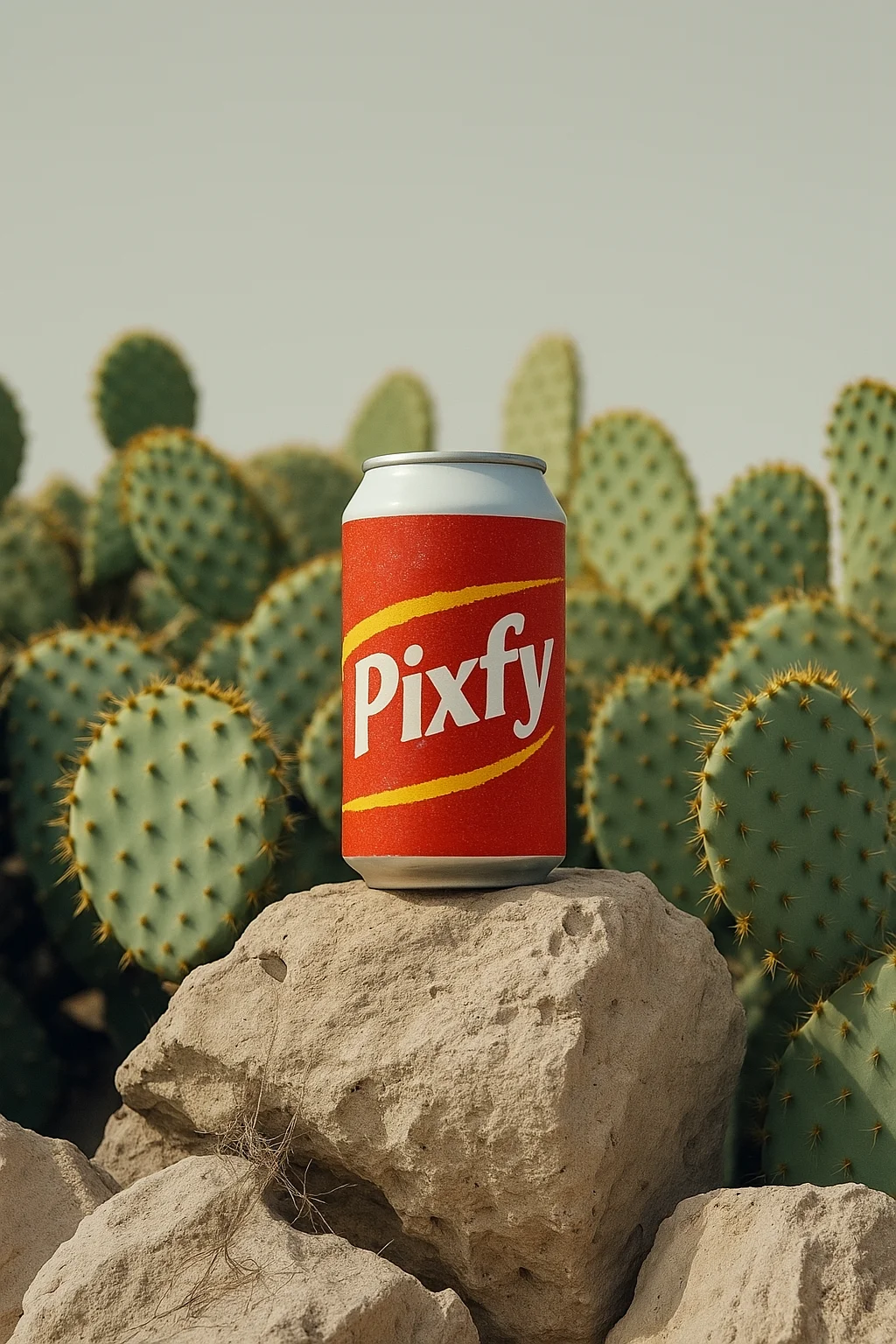
Upload a photo and describe one change. The AI edits that part and keeps the rest of the picture.
AI photo editor examples
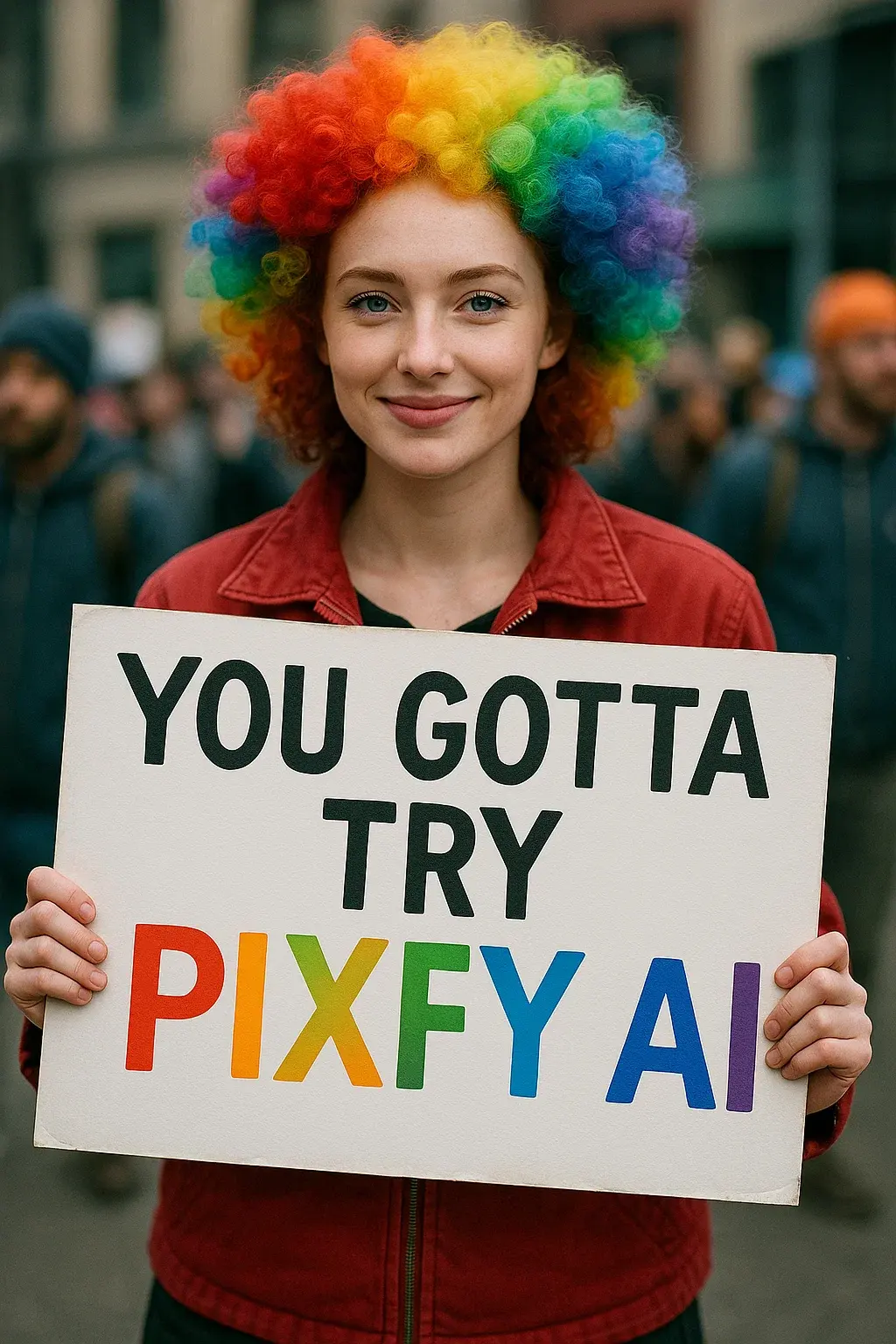
Each pair is an AI example made with Pixfy; open the matching tool to try it.
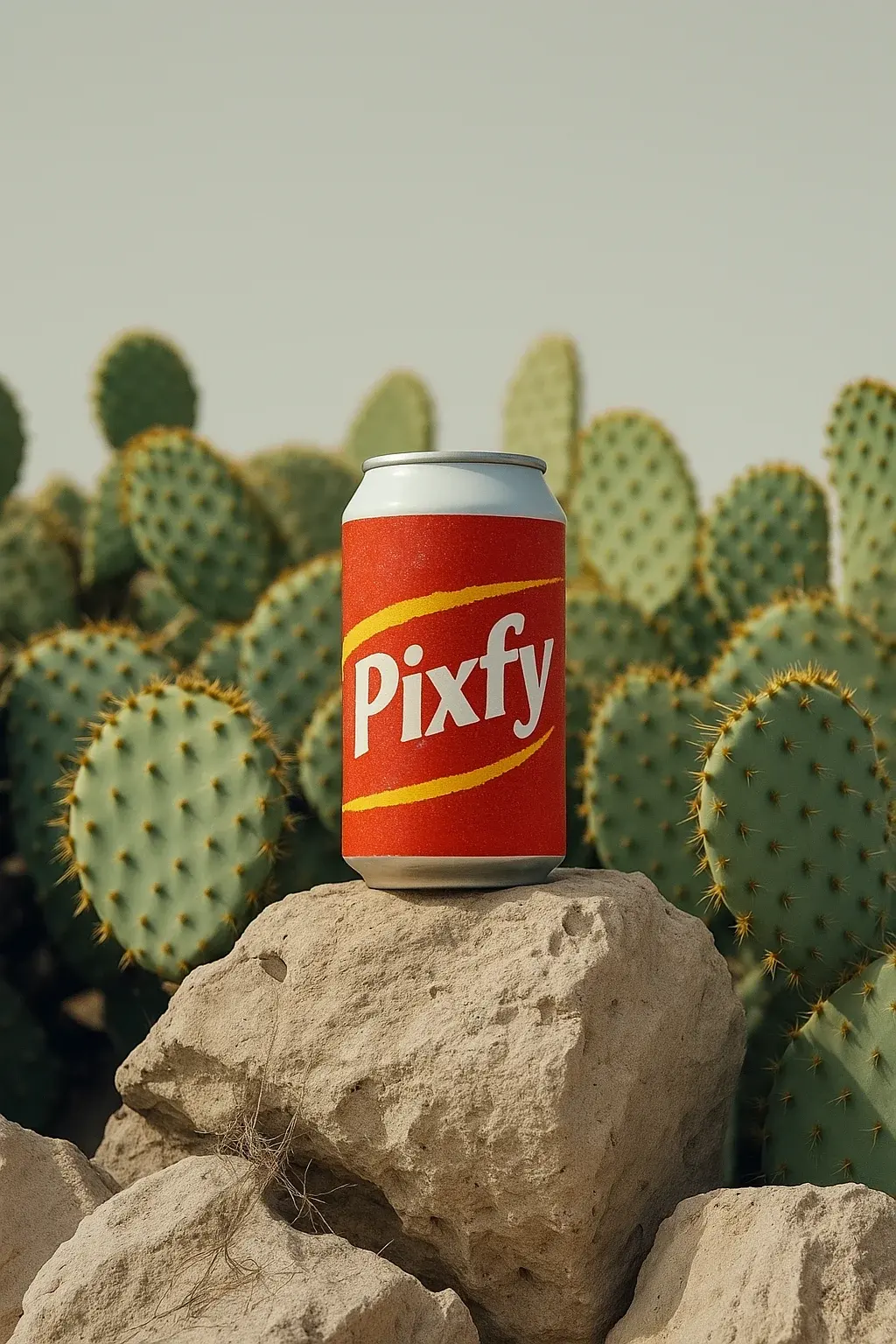
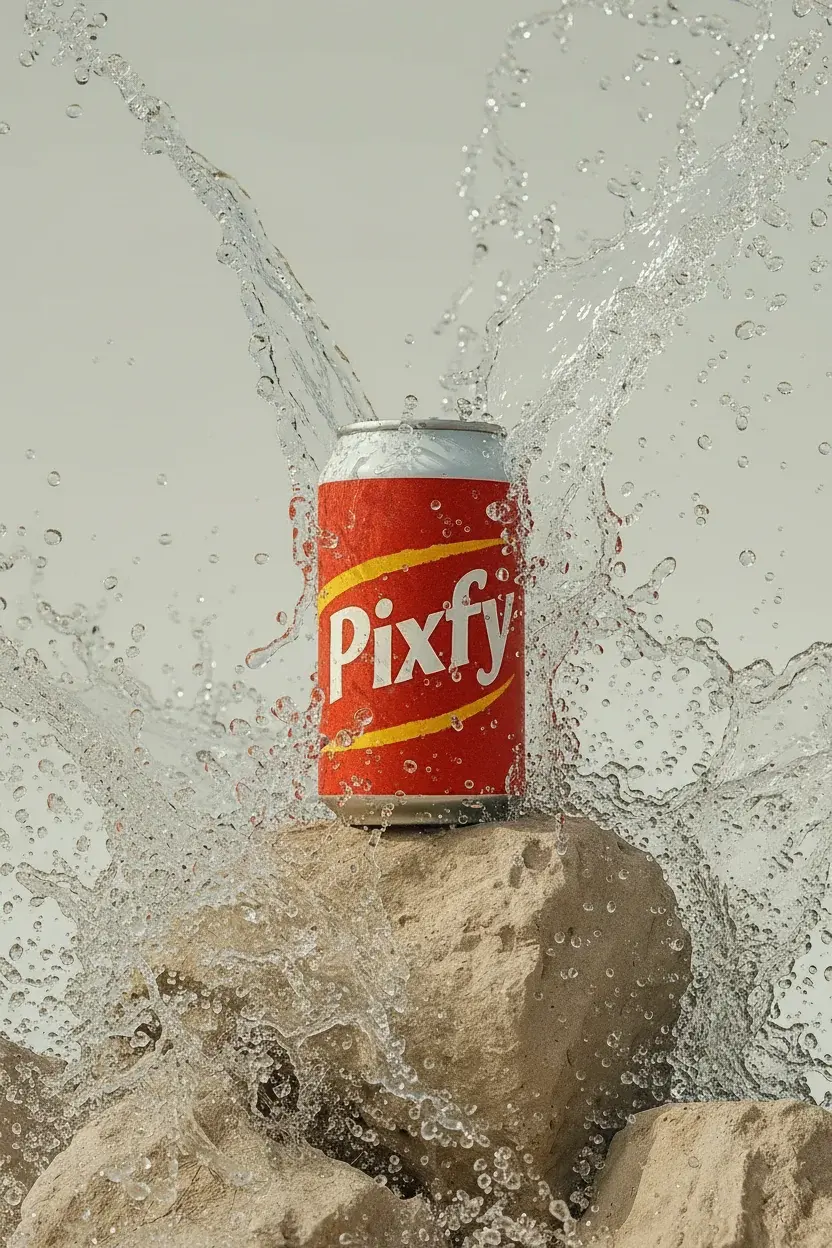
What people use an AI image editor for
Product photos
Shoot on a kitchen table, then swap in a clean studio or lifestyle background.
Social posts
Remove a stranger, a trash bin or a date stamp before posting.
Portraits and profile pictures
Try a new hairstyle, outfit or backdrop on the same face.
Old and blurry photos
Sharpen a soft phone photo or clean dust from a scanned print.
AI photo editor at a glance
| What it is | An AI image editor, also called an AI picture editor, that changes an existing photo from a written instruction. |
|---|---|
| What you need | One PNG, JPG or WEBP photo up to 10 MB and an instruction of up to 500 characters. |
| Models | 8 models: Nano Banana (Google), GPT Image 2.5 (OpenAI), Seedream (ByteDance) and FLUX (Black Forest Labs). |
| Cost | 1 credit per edit on FLUX 3 Klein, Seedream 5.0 Flash and Nano Banana 2 Lite; 3 to 6 credits on the others. Credits are returned if an edit is blocked or fails. |
| Free use | New website accounts outside China, India and Russia get 9 free credits (9 edits on the 1-credit models) while the daily supply lasts. The other models need a credit pack or plan. |
| Downloads | Free-credit results download at half resolution, without a watermark. Any credit pack or plan unlocks full resolution. |
| Privacy | Results are private by default and kept until you delete them. |
| Where it runs | Online in your browser, or in the Pixfy iOS app. |
How do you edit a photo with an AI photo editor?
- 01
Upload a photo
Choose one photo you have the right to edit. Sharp, well-lit photos keep more detail.
- 02
Describe one change
Say what should change and what stays, e.g. replace the sky with a sunset, keep the house.
- 03
Check and download
Compare with your original. If it missed, reword and run it again.
What the AI photo editor can change
Backgrounds
Replace, blur or clean up the background while the subject stays put.
Objects and text
Erase people, wires, logos or words and fill the gap to match the surroundings.
Hair, clothes and colors
Change a hairstyle, an outfit or the color of one item while faces stay the same.
Light and style
Turn day into dusk or restyle the photo as a painting.
How to write an instruction for an AI image editor
- One change per edit; run a second edit on the result for the next.
- Name the exact thing: the blue mug on the right, not the object.
- Say what must stay, such as keep her face, pose and the table unchanged.
- Put new words in quotes and give their place, such as change the sign to "OPEN".
AI photo editor, manual editing or an image generator?
AI photo editor
Best when: You have a photo and want one clear change from a sentence.
Not ideal when: You need pixel-exact control or batch edits.
Manual photo software
Best when: You need exact masks, layers or print-ready files.
Not ideal when: You want a quick change or new content painted in.
AI image generator
Best when: You have no photo yet and want a new image from a description.
Not ideal when: The result must keep a real person or product as it is.
Try the AI image generatorGeneral AI chat assistant
Best when: Editing is one step in a longer chat.
Not ideal when: You want upload, edit and download in one place.
Is this AI photo editor right for you?
- Good for
- Quick edits to real photos: backgrounds, unwanted objects, hair, outfits, light and small repairs.
- Not for
- Nude, sexual or violent edits, or editing someone without consent. Such requests are blocked.
- Know before you start
- One photo per edit. The AI redraws the image, so tiny text can shift.
AI photo editor FAQ
See credit packs and plansWhat is an AI photo editor?
A tool that changes an existing photo from a description instead of brushes and selections; the model redraws that part to match the rest.
Is an AI photo editor the same as an AI image editor?
Yes, both names describe the same kind of tool. Pixfy works on photos, screenshots and graphics.
Is this AI photo editor free?
Yes, to try: new website accounts outside China, India and Russia get 9 credits, enough for 9 edits on the 1-credit models, while the daily supply lasts. The other models and further edits use a credit pack or plan.
Do I need to sign up?
Yes. Sign in with Google or Apple; free credits and your private library belong to that account.
Does it add a watermark?
No. Free-credit results download at half resolution; a credit pack or plan unlocks full resolution.
Can I edit a photo with a text prompt?
Yes. Type the change in plain English, up to 500 characters.
Can it edit a photo without changing my face?
Each instruction asks the model to keep faces and identity unchanged. Check the result and rerun if a detail drifts.
Will the photo lose quality?
The model redraws the image, so fine details can soften. For crisper detail, run it through the HD photo converter.
Which AI model should I use?
On free credits, start with Seedream 5.0 Flash (1 credit, 2K output). With a credit pack or plan, GPT Image 2.5 follows long instructions closely, FLUX.1 Kontext Pro keeps your photo's framing, and Nano Banana Pro gives 2K detail for 6 credits.
Can I use the edited photos commercially?
Yes, for lawful uses within the content policy, if you had rights to the original. Don't pass off AI edits as unedited photos.
Are my photos private?
Uploads and results are private by default and never shown in a public gallery. Delete them from My Images at any time.
Is there an AI photo editor app for iPhone?
Yes. Pixfy AI Photo Editor is on the App Store for iPhone.
App StoreEdit your first photo with AI
Upload a photo, write one sentence, see the edit.
Upload a photoLast updated October 2026 · Default models: Seedream 5.0 Flash, GPT Image 2.5